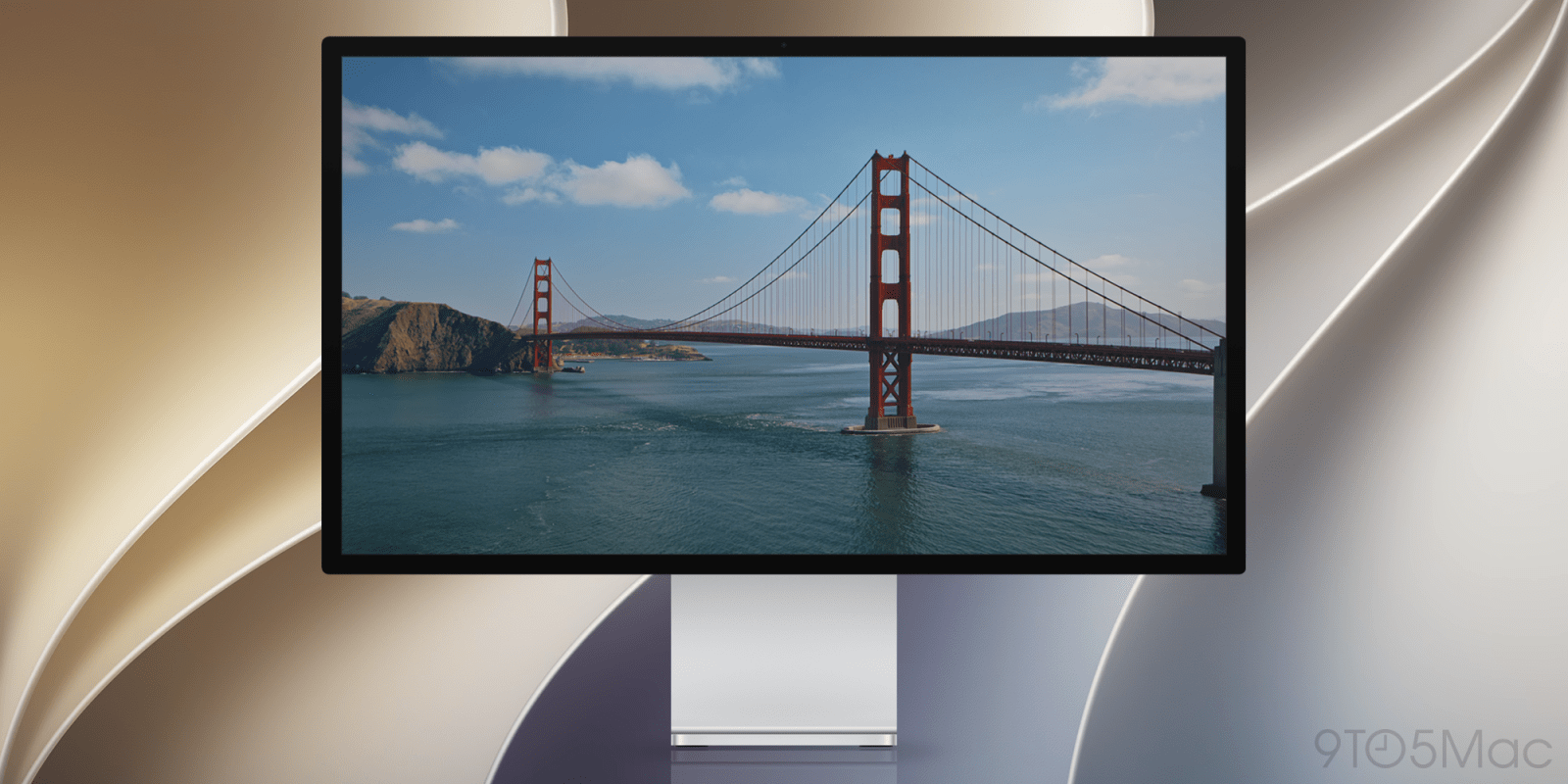
Included in today’s release of macOS 27 Golden Gate beta 6 is a new dynamic wallpaper of the Golden Gate Bridge, bringing the total count of dynamic wallpapers to five. Download all of the below.
When Apple announced macOS 27 Golden Gate during WWDC26, the company showed the same system wallpaper across all of its operating systems, featuring a stylized 27.
After a couple of developer betas, however, Apple began adding dynamic screensavers that double as wallpapers, featuring beautiful slow-motion footage overlooking San Francisco’s iconic Golden Gate Bridge.
When the Mac is unlocked, the screensaver gradually comes to a stop, leaving behind a fresh and slightly different wallpaper each time.
Although macOS handles the dynamic effect, below you’ll find a gallery of static frames from each of the four videos, plus light and dark versions of the generic stylized 27 wallpaper.
Be sure to click the images and save the full-resolution versions. To set either as your background image, go to ‘System Settings’ > ‘Wallpaper’, scroll down to ‘Your Photos’, click the ‘Add Photo’ button, then do any of the following:
According to Apple, “you can also choose custom wallpaper without opening Wallpaper settings”:
To learn more about how to set custom wallpaper on macOS, follow this link.
Do you have a favorite? Let us know in the comments.
FTC: We use income earning auto affiliate links. More.
Check out 9to5Mac on YouTube for more Apple news:
Marcus Mendes is a Brazilian tech podcaster and journalist who has been closely following Apple since the mid-2000s.
He began covering Apple news in Brazilian media in 2012 and later broadened his focus to the wider tech industry, hosting a daily podcast for seven years.