Affiliate links on Android Authority may earn us a commission. Learn more.
Working in tech means I’m constantly surrounded by gadgets. I’m the first to test out the best new smartphones, smartwatches, earbuds, and smart home accessories. It might sound like a dream job, and in many ways it is, but when you’re constantly shuffling between the latest and greatest, it is hard to get attached to a few favorites.
But over the years, there have been some products that have stuck with me. These are all products that I’ve bought with my own hard-earned money, and are products that I go back to for one reason or another, even if I have access to something technically better.
These are the seven devices that, in no specific order, have either solved a problem, struck the best balance between value and performance as far as my preferences go, or just made my life a whole lot easier every day.
The Sony WH-1000XM3 is an old pair of headphones. But years after buying them, they do everything I ask of them. I’m very sensitive to external noises, and when I’m working, I tend to alternate between pin-drop silence and my preferred playlist. This is only feasible with a pair of active noise-canceling headphones.
Be it for drowning out the perpetual construction noises of the city or the ambient din of a cafe, the WH-1000XM3 handles everything with ease. Sure, Sony has released three new generations of headphones since, and they are better in one way or another. But I believe in using a device as long as it is working, and the XM3 continues to do everything I ask of it.
Ironically, it does a few things better than Sony’s latest. The WH-1000XM3 supports aptX HD, which allows me to use it for high-res streaming with some older DAPs and dongles that don’t support LDAC, as Sony’s newest generation of headphones does not support the standard. Sure, I need to get around to replacing the ear pads and headband as it’s starting to show its age, but I plan to keep these for another year or two before I start looking for an upgrade.
Smart TVs have come a long way, but their software still drives me up the wall. I’ve got a Samsung TV running Tizen, an LG OLED TV running webOS, and a Sony TV running Google TV. Every single one of them is infested with ads. I’m a busy man with limited time for entertainment and zero patience for an interface that lags or crowds my display with recommendations and sponsored content.
I picked up my first Apple TV when my NVIDIA Shield died and never looked back. Since then, I’ve bought two more. The interface runs lightning-quick. There are no ads, and the picture quality is arguably a smidgen better, since by all appearances, streaming services seem to be serving up a higher-quality stream to the Apple TV.
But the best part is that I never have to look at my TV’s interface again. With HDMI-CEC set up, I just press the power button on the Apple TV remote, and my TV starts up. Press it again, and it shuts down. Simple.
It’s not perfect. I wouldn’t mind some customizable buttons on the remote, and I definitely miss the headphone jack from the Shield TV’s remote. But these are small things that I’m willing to overlook because of the set-and-forget experience the streamer gives me.
I stream a lot of music, whether it’s internet radio, Spotify, Tidal, or just my own self-hosted music library. I could, of course, just play music from my computer or smartphone and pair up my headphones. However, I absolutely hate the idea of distractions and notifications interrupting my flow. Moreover, come evening or nighttime, this listening usually switches over to bookshelf speakers.
So, I’ve invested in WiiM’s ecosystem. My study and living room have dedicated WiiM Ultra streamers, while the soundbar in my bedroom has a WiiM Mini attached to it. This lets me create a mesh-connected streaming network capable of taking practically any input and pairing it with any output. Here’s how I use it.
During the day, I usually have my headphones paired to the streamer over LDAC. I can use the touchscreen, the dedicated app, or even the physical remote to spin up whatever music I want. If I’m in the mood to spin a record, I just start playing it on the record player in the living room, and the WiiM Ultra is able to beam it across straight to the streamer in my study. This lets me listen to my vinyl on my headphones from another room.
When I disconnect my headphones, the music playback falls back to the bookshelf speakers. And if I want music to play across my home, I can do that too by linking all the streamers in a mesh.
In case you’re wondering why I didn’t use Sonos instead, I have a wide mix of speakers on hand. These include high-end equipment costing thousands of dollars, as well as the midrange soundbar in my living room. The WiiM Ultra streamer lets me use the equipment I already own instead of requiring me to invest in a whole new setup. It’s a no-brainer.
Every year, I set a goal to read at least 20 books, and most years I end up falling a bit short. But whatever progress I do end up making is only because of my trusty Kindle. More specifically, the Kindle Oasis.
My love for e-book readers is pretty self-explanatory. It’s a distraction-free experience that lasts weeks on a charge and makes for comfortable reading compared to a regular screen.
Over the years, I’ve accumulated a collection of e-book readers, including a more recent Kindle Paperwhite. But between the physical controls and the still-luxurious design, I find myself falling back to the Oasis again and again. Once you get used to flipping pages back and forth without having to lift a finger, swiping or tapping on the screen starts feeling positively antiquated.
Lately, I’ve even hacked the Kindle to unlock additional functionality and freshen up the look and feel. I don’t see myself switching away from the Oasis until the battery completely gives out. Then again, I might just swap out the battery and continue using it. It’s that good.
Cloud storage is convenient, but I don’t particularly enjoy paying recurring fees to store my own files. More importantly, I like having control over where my data lives, especially when it comes to family photos, work documents, and backups.
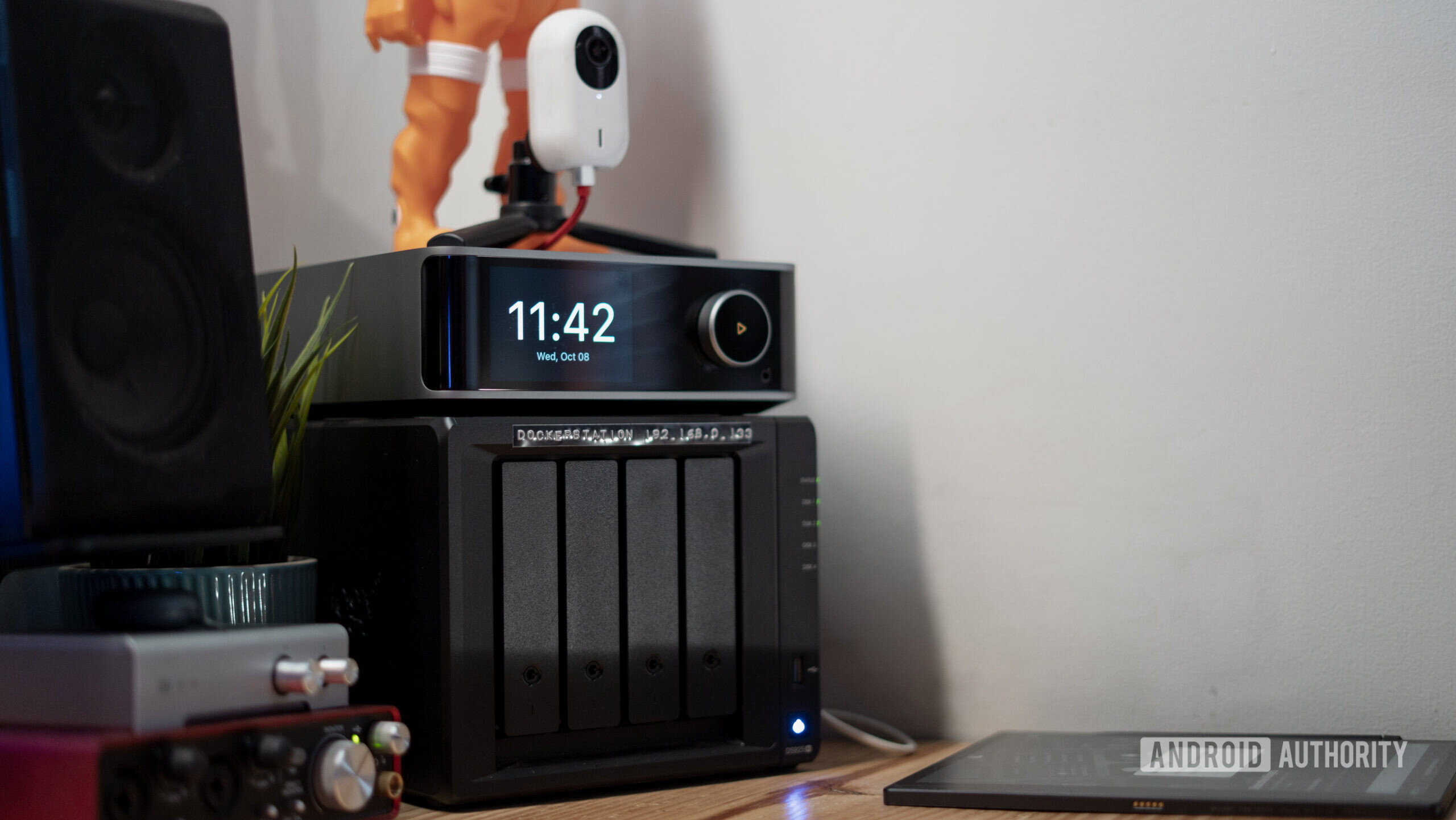
I’ve been using Synology NAS boxes since 2012 or so, and have continuously added fresh devices with more bays to my collection. Right now, I have four Synology NAS boxes and a UGREEN NAS collectively serving up well over 100TB of storage.
Sound like overkill? Not really. I’ve bought and continue to buy a lot of collector’s edition Blu-rays over the years. Much as I love physical media, I enjoy the conveniences of digital too. I’ve been ripping all these physical movie discs to my NAS boxes to stream them wherever I want.
The same goes for my vinyl collection, which includes plenty of records that can’t be found on digital.
Then there are two decades of photo backups, film scans, and backups of backups. All of that adds up, and I don’t have nearly as much free space as I would like to have. But while I might be apprehensive about buying new hard drives in today’s economy, it’s very clear that this Synology setup has already saved me thousands of dollars over subscription storage services.
There was a time I had three laptops on my desk, covering Linux, Windows, and Mac. Later, I switched to a Windows server and a MacBook. But ever since Apple made the leap to M-series silicon, there’s been no going back.
My MacBook Air M3 is the backbone of my personal and professional life. You’d imagine that a pro user would be better served by a MacBook Pro instead. Having tried both, I was honestly surprised by how capable the Air is.
This fanless laptop is able to churn through color-graded RAW 4K footage in DaVinci Resolve, while handling two dozen tabs in Chrome and streaming music alongside. Usually, there’s a Docker container or SSH session in the background too.