Affiliate links on Android Authority may earn us a commission. Learn more.
While there are plenty of free apps available on Android, some just don’t cut it. It’s nice to save cash to spend on other things in life, but often, splurging a little on a paid Android app provides a far more polished, unique, or focused experience.
I have a lengthy list of apps I’ve purchased over the years, some of which I no longer use. Others, including the apps mentioned below, have stood the test of time.
These are the apps that I believe are actually worth spending your hard-earned money on.
Stellarium was recommended to me by our readers, and since downloading it last year, I haven’t looked back. It’s a digital sky guide that charts the apparent positions of various interstellar objects visible from Earth, including planets, stars, meteors, and beyond. The app does a brilliant job of providing useful information while making these details easily discoverable and digestible.
Tapping on constellations, for instance, reveals an artistic overlay of the character or object it describes, a description of it, alternative names, and various indicators for magnitude (perceptive brightness) and actual position.
This is just the tip of the iceberg. Stellarium includes digital Tours that guide viewers through prominent aspects of the night sky. Users can also choose their preferred sky culture, which adjusts the names of constellations and stars in the app.
While Stellarium is free to use, the Plus version offers much more, including additional Tours and a calendaring feature that charts the probable positions and magnitudes of celestial objects.
Unlike Stellarium, Buzzkill requires an immediate purchase to gain its full benefits. Its impact on my phone is so significant that I’d be more than happy to buy it again. It packs a list of features that should be offered to Android users by default.
Buzzkill is a powerful notification manager. Users can create rules and recipes triggered by various conditions. For instance, I use it to silence spam messages on my phone, sound a custom message and vibration tone for any notification that includes my fiancée, and stop my apartment group’s hyperactive messaging thread from pinging my phone too often.
It has rolled out several additional features since its launch, and it’s clear that the developer lovingly maintains it.
There are plenty of Android launchers worth the money you spend to unlock them, and each offers something different. But Key Launcher is among the most impressive launchers I’ve ever used.
I thought I’d hate the idea of a T9 keypad-based home screen, but it’s since replaced the Pixel Launcher on my Pixel 8. That alone should tell you how good it is. Search is rapid, using that T9 key layout to pull up the app you want in just a few taps.
It also intelligently hides useful features everywhere. This includes Super Shortcuts behind each key, a dedicated Focus Mode, and a dedicated widget screen. Its full range of features is free to try, but well worth the cash to unlock those goodies for good.
Key Launcher is best suited to single-screen devices, so what do you do if you own a foldable phone? Enter Octopi Launcher.
Designed specifically for multi-screen devices, Octopi can offer a custom layout for each screen and orientation — including apps and widgets. The potential is endless. You could theoretically build a screen dedicated to media, one to web browsing, and a cover display built for communication. Octopi gives you almost endless choices.
It’s regularly updated and cared for by its developer, and is worth the investment simply to support one of the most unique launchers for Android available today.
KWGT is over a decade old, making it one of the original Android customization apps. While its necessity has waned in recent years as more apps offer their own widgets, KWGT is still worth owning outright if you enjoy tinkering.
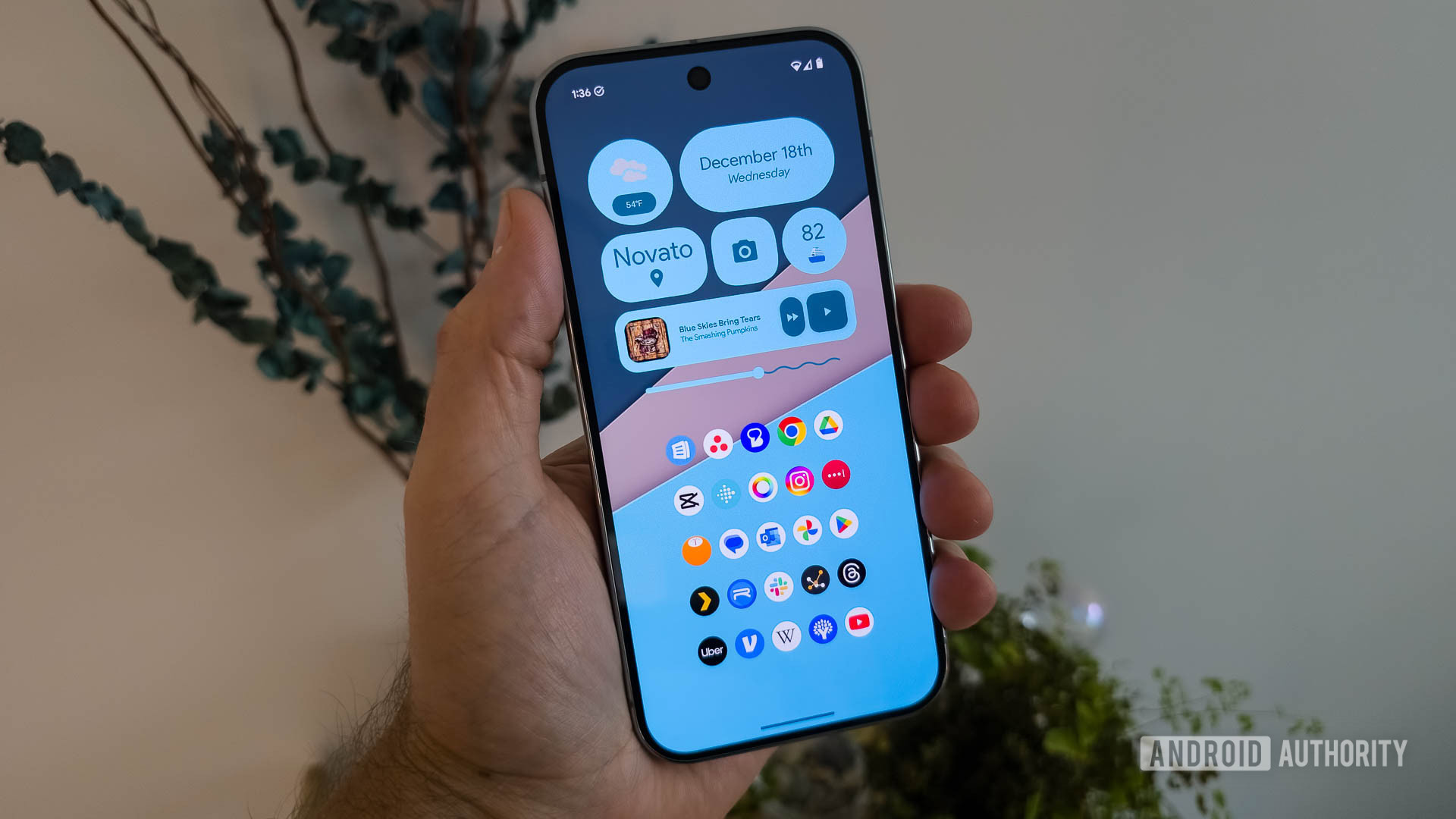
In a nutshell, KWGT is a widget creation tool. If you can think it, you can probably make it using it. I’ve made a dream Google widget using its tools, while my colleagues have completely changed the look and feel of their devices (see above). It also lets you install creations from others, so you can completely customize your phone with a unique visual theme.
KWGT Pro is a separate unlocker app that gives users access to these third-party widget packs and plenty more. You will need to grab the base KWGT app beforehand.
As the hurricane season spins into motion in the Atlantic and Pacific, this app has proved to be one of the best hurricane alert apps to have at hand.
Tropical Hurricane Tracker forwards the latest tropical weather details, warnings, advisories, and more right to your device. Updates are almost immediate as NOAA and NWS release them, making it a great tool for real-time updates. The app also includes info for other basins, so it’s not just beneficial for US-based users.
The app is free with ads, but I’d urge users to support the developer by purchasing the ad-free version.
PeakFinder is just one of the many unusual Android apps I keep installed on my phone. It’s a wonderfully simple and gorgeous app that does one thing incredibly well: elucidating details about nearby mountains.
It uses my phone’s camera, my location, and an offline database to determine the surrounding skyline and the peaks that comprise it. It then shows the names above each, along with their heights above sea level, on a beautiful sketch-like overlay. I’ve used this app across some rather obscure terrain in South Africa, and it’s remarkably accurate.
Granted, this is a pretty specific app with a unique use case, but if you find yourself in the mountains often, it’s well worth having in your back pocket.
There’s no shortage of Android browsers, but none can come close to what Hermit offers.
Hermit is a single-page browser that transforms web pages into standalone web apps. Why on Earth would I do this? Well, for apps like Facebook that love tracking users, I can create a Hermit silo for the Facebook mobile site that offers me the same feature set as the app without the privacy problems. I’ve also used it to access Google News and NotebookLM before its app launch.