Affiliate links on Android Authority may earn us a commission. Learn more.
Android users already have a nice assortment of options for making it easier to see what their apps are doing. We can adjust text size, magnify specific areas of the screen, or just zoom everything at once. The problem is, not all apps are created equally, and some may look better at different levels of zoom than others. Thankfully, Samsung appears to be working on an easy solution.
You’re reading an Authority Insights story. Authority Insights brings you all the latest exclusive reports, app teardowns, leaks, and in-depth tech coverage from the Android Authority team that you won’t find anywhere else.
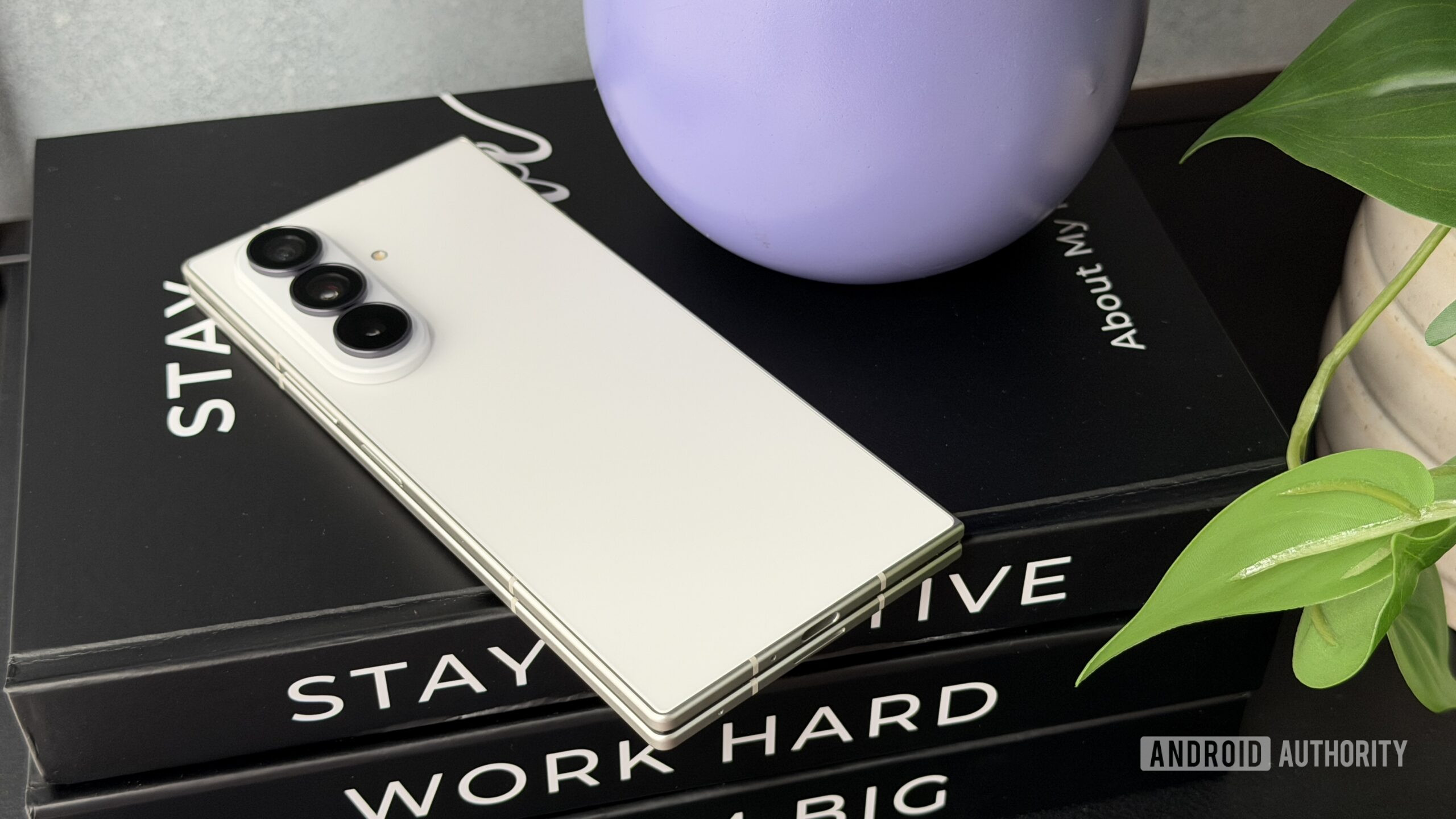
This week marked the debut of Samsung’s latest foldables: the Galaxy Z Fold 8, Z Flip 8, and the Z Fold 8 Ultra. Curious what secrets these new phones with their stable One UI 9 might be hiding, we started looking though their firmware, and some text strings in the Fold 8 Ultra’s firmware caught our eye:
As you can see, Samsung appears to be preparing a new system settings option for adjusting screen zoom on a per-app basis.
Right now, we’re not seeing this available under display settings on the Galaxy Z Fold 8 Ultra, but considering these units aren’t yet running retail firmware, that could conceivably change by the time the new foldables start reaching the hands of shoppers early next month.
Obviously, we hope to see this option arrive across the rest of Samsung’s handset lineup, as well — and honestly, Android in general. After all, none of us are getting any younger, and it’s only going to be a matter of time before we’re all grumbling over how tiny everything looks in our apps.
Thank you for being part of our community. Read our Comment Policy before posting.