Samsung is addressing one of the key complaints about last year’s Galaxy Z Fold 7 on its new Galaxy Z Fold 8 lineup, with some small tweaks making it much easier to open up these foldables.
The Galaxy Z Fold 7 was – and still is – an impressive piece of foldable hardware. But first impressions revealed a bit of a learning curve, as Samsung’s device could prove a little tough to actually crack open. The flat edges of the chassis combined with a tight hinge made it a little hard to open up the device with ease. That became easier with time as users learned exactly how to open the device, but it was obvious anytime someone used the device for the first time.
Samsung is tweaking this in the Galaxy Z Fold 8 and Galaxy Z Fold 8 Ultra.
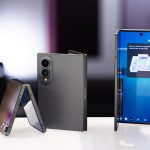
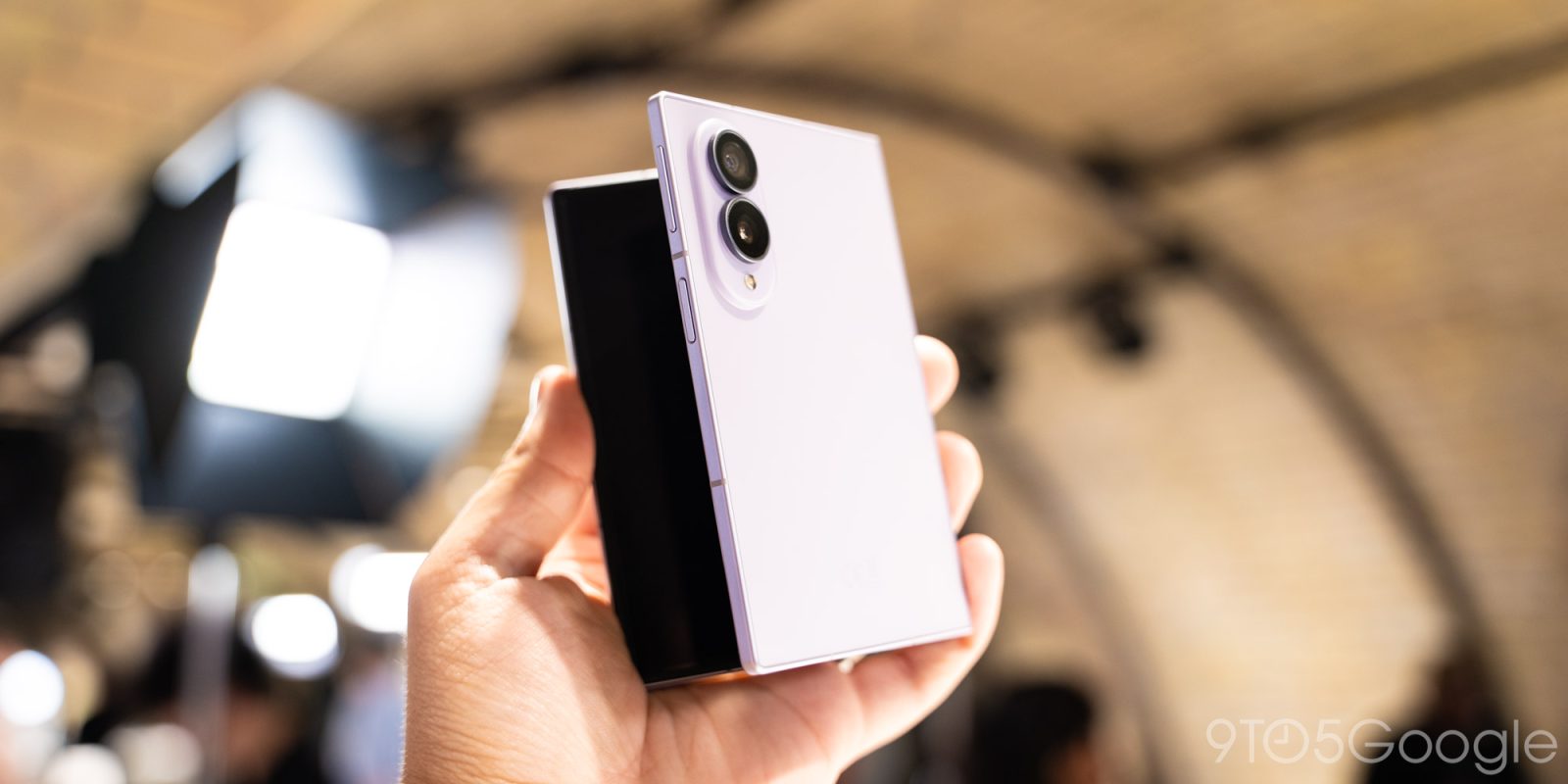
Both of the company’s new book-style foldables employ two key changes. First and foremost, the chassis is designed with a bit more of a gap along the long edge. This leaves more physical space for your fingers to pry open the foldable.
Putting the Galaxy Z Fold 7 and Galaxy Z Fold 8 Ultra side by side, the difference is obvious.
Beyond that, Samsung also explained to media that the revised hinge has adjusted the tension and the magnets that help keep the device closed. The hinge tension isn’t quite as strong, which also means that the magnets don’t need to be as strong either.
It all adds up to a pair of devices that, in person, are remarkably easy to open. The hinge feels smooth as well.
And it comes as Samsung’s new hinge design also greatly reduces the display crease compared to prior generations.
The Galaxy Z Fold 8 and Galaxy Z Fold 8 Ultra are available for pre-order starting today. Are you interested?
Follow Ben: Twitter/X, Threads, Bluesky, and Instagram
FTC: We use income earning auto affiliate links. More.
Check out 9to5Google on YouTube for more news:
Samsung is a technology conglomerate based out o…
Find him on Twitter @NexusBen. Send tips to schoon@9to5g.com or encrypted to benschoon@protonmail.com.