Affiliate links on Android Authority may earn us a commission. Learn more.
It would be nice if phones and PCs had more cross-device functionality than they currently have. Microsoft has been working toward that goal, releasing features like a Mobile devices tile that lets users toggle Do Not Disturb mode, adjust the phone’s volume, or make it play a sound when misplaced. But Microsoft isn’t the only company trying to bring PCs and phones closer together. OnePlus is rolling out a new feature that would be very convenient for PC users.
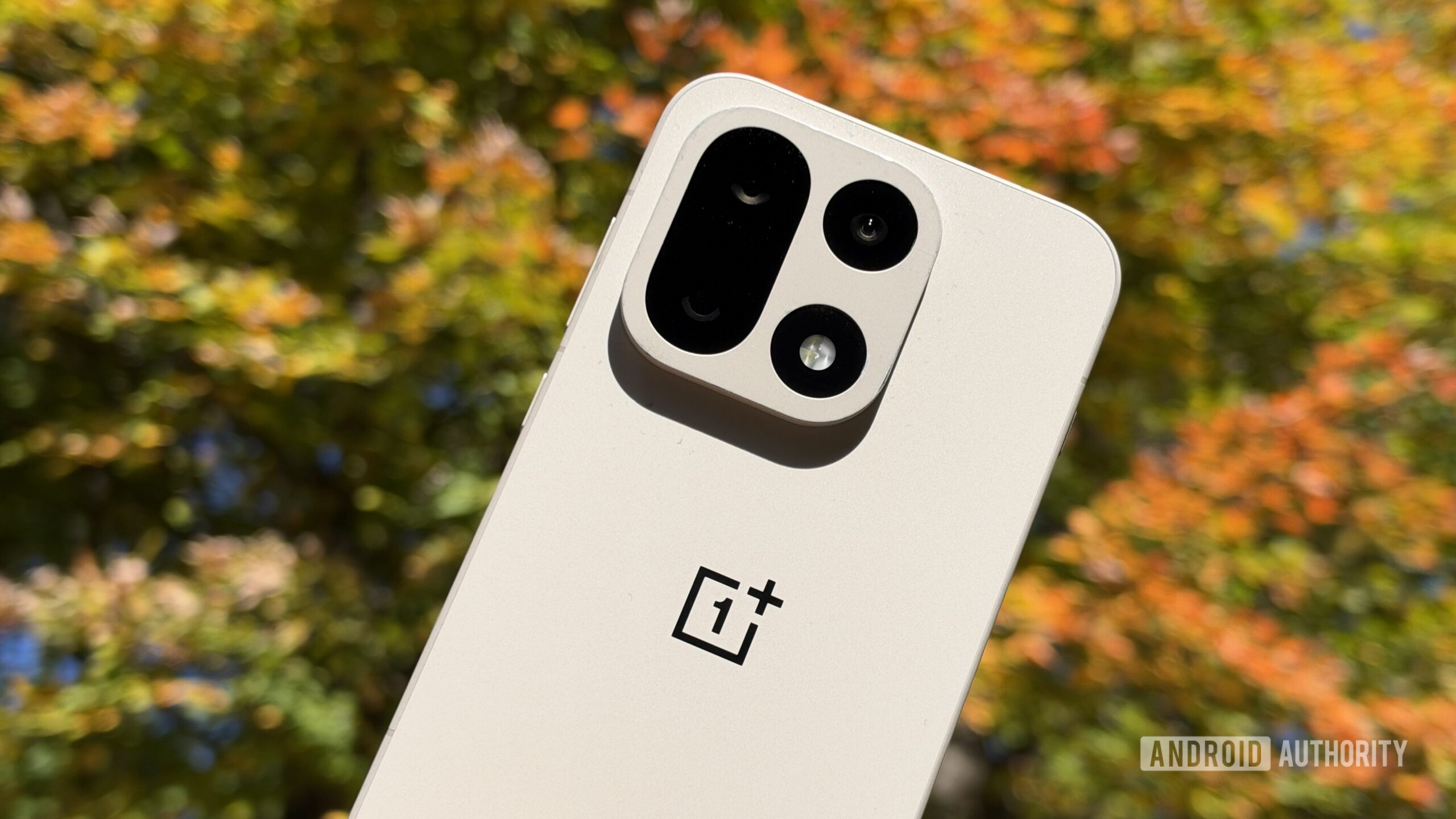
This week, OnePlus announced the rollout of its November update. Phones will be getting version C20P01(BRB1EX01), while tablets will receive version C20P01(BRB3EX01). For OxygenOS 16 devices, this update will introduce the ability to automatically unlock your PC with your mobile device.
According to the changelog, the “Automatically unlock when connected” feature allows your PC to unlock when it’s remotely connected to your phone by using a saved password. This feature can be set up by tapping the More icon on the floating ball during a remote connection. You’ll then need to tap “Unlock PC”, and turn on “Automatically unlock when connected.”
The update will be available on the following devices:
This rollout actually started on October 27, but it’s rolling out incrementally. As a result, this feature may not be available on your device quite yet. If you fall into this category, you won’t have to wait much longer. OnePlus states that the rollout is expected to reach all users around November 19, 2026.
ColorOS devices are also getting a November update. However, this feature won’t be a part of that rollout. Instead, ColorOS devices, specifically the OnePlus 15 series and OnePlus 13 series, are getting an improved translation experience with more accurate and natural results.