Google is back this year with its Made by Google event, and we’re expecting a lot of Pixel news. Of course, Google is set to launch the Pixel 11 series, which will likely include several different smartphones as well as a new foldable. In addition, Google is expected to launch the Pixel Watch 5, and there could be some additional devices in the mix.
We hope you’re as excited to learn about Google’s latest smartphones as we are! Last year’s launch was filled with celebrities and internet personalities, and this year looks to be no different, with Stephen Curry, Shubman Gill, Ayami Nakajo, and more, with Trevor Noah hosting.
Over the next few days, we’ll be going over what you can expect and covering the event live as it happens so you don’t have to miss a thing! Scroll down for all the details!
When and what time is Made by Google?
The event is Wednesday, August 12, and it starts at 3 p.m. PT / 6 p.m. EDT.
How to watch the Made by Google event?
Google will stream the event on its official Made by Google YouTube Channel. You can also watch it live at the Google Store website. Click the Notify Me button below so you don’t miss a thing!
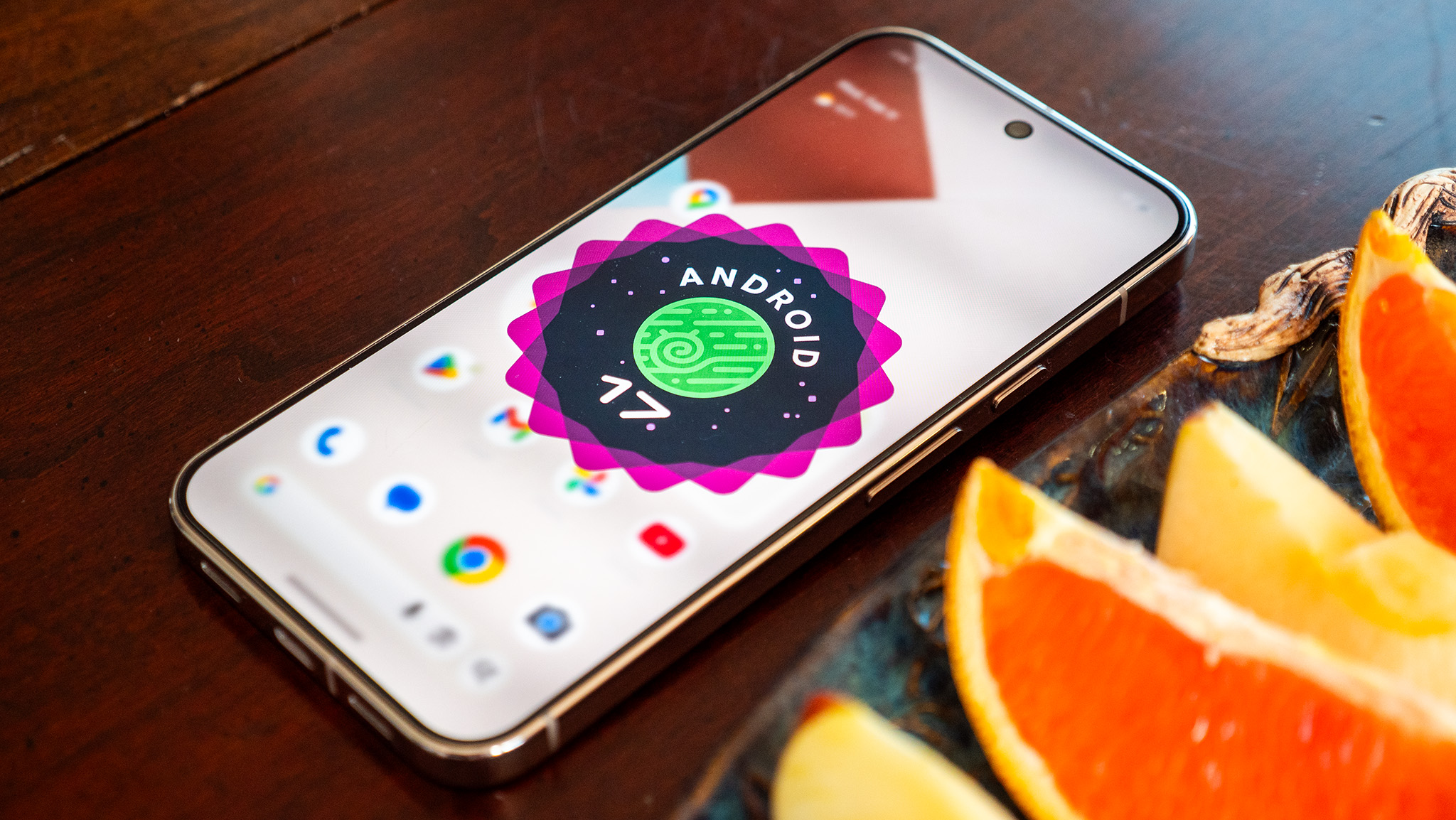
Google has been low-key hyping up its Pixel 11 series for some time, although we just didn’t know it. Earlier this year, the company gave us a glimpse of new features arriving with Android 17, and while the update is already out, there are still some features that haven’t arrived yet, and likely more that Google hasn’t even teased. What are you looking forward to the most?
One feature I can’t wait to get my hands on is Pause Point. It’s supposed to remind you to take a break from distracting apps with things like timers, breathing exercises, and even suggestions for less-distracting apps to use. Because we all need a reminder to take a break from social media, right? It’s actually a pretty thoughtful feature, one I never expected from Google.
Another feature I hope to see on the Pixel 11 Pro Fold is the Gamepad. It basically turns your foldable into a mini game console of sorts with a dedicated control pad on the bottom half of the screen, which should enhance the gaming experience. Google also says it will include native controller remapping for those of you who use external controllers, which is a great way to appeal to mobile gamers.
Android 17 is shaping up to be a more social-media-focused update, and on the other side of Pause Point, the company launched Screen Reactions, which makes it incredibly easy to record yourself over another video. It’s an incredibly useful feature and very easy to use. It makes me wonder what other social features the Pixel 11 will introduce.
Google was already in the midst of doing some heavy brand reworking with Gemini, and Android 17 only furthers those actions. Google says that Android is no longer an « operating system » but, rather, an « intelligence system. » This sounds like marketing nonsense, and I’m some of it certainly is, but the idea is that Android is moving beyond a traditional point-and-click (or tap) UI and, instead, becoming a system that does exactly what you ask of it.
Case in point, the newer Gemini Automation features which will navigate entire apps and websites for you with a single command. I used it to order food and tea from two different restaurants and all I had to do was hit confirm. While I’d argue that having Gemini order food for me is silly and completely unnecessary, seeing Gemini have the ability to navigate complex UIs without error is impressive, and there will no doubt be more sensible reasons to use this feature in the near future.
For me, the most interesting part of Gemini Intelligence and automation is when Gemini is used to interact with apps that aren’t usually deemed « compatible. » Let’s say you’re particularly find of an obscure note app that wouldn’t normally have tie-ins with services like Gemini. No problem, because Gemini Intelligence is supposed to be able to work with it, regardless.
Say you took a photo of a banner or poster for an upcoming event and want to make a shopping list based on what you’ll need for it. Gemini can help navigate the content in the photo and fill out a note in your favorite app without you manually typing it in. That’s just one of many features we’re expecting to see expanded on the new Pixel 11 series, too!
One of the other Gemini highlights from The Android Show 2026 was the new Create A Widget feature, which turns Gemini into a professional coder so you can make custom home screen widgets. Nothing started this trend a few months ago and did a spectacular job with the implementation, and I expect to see Google take the concept even further on the Pixel 11.
The concept is pretty simple. Say you want a specific widget that doesn’t seem to exist in the Play Store. Just ask Gemini to create a widget for you, and it’ll begin the coding process, complete with the ability to revise and modify things as the widget is being built.
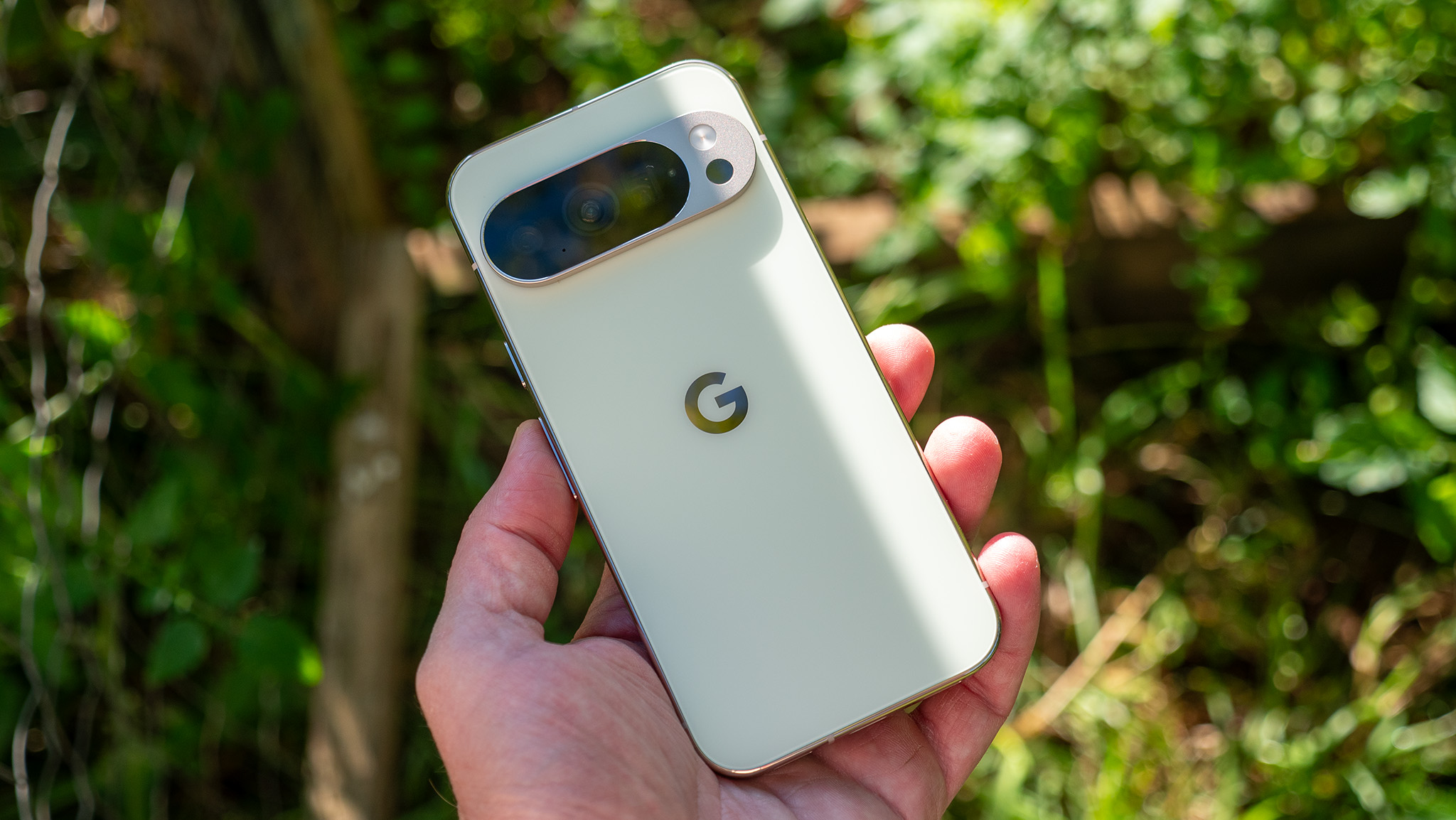
Since we’re looking back at The Android Show from earlier this year, it’s worth remembering that it was actually the first time Google quietly gave us a look at what is now rumored to be called Pixel Glow, or HiLight.
During the Googlebook teaser, you could spot a glowing light bar across the top of the laptop lid. Since then, we’ve seen the same design language appear on the new Google Home Speaker, and according to recent leaks, it’s also expected to make its way to the Pixel 11 series.