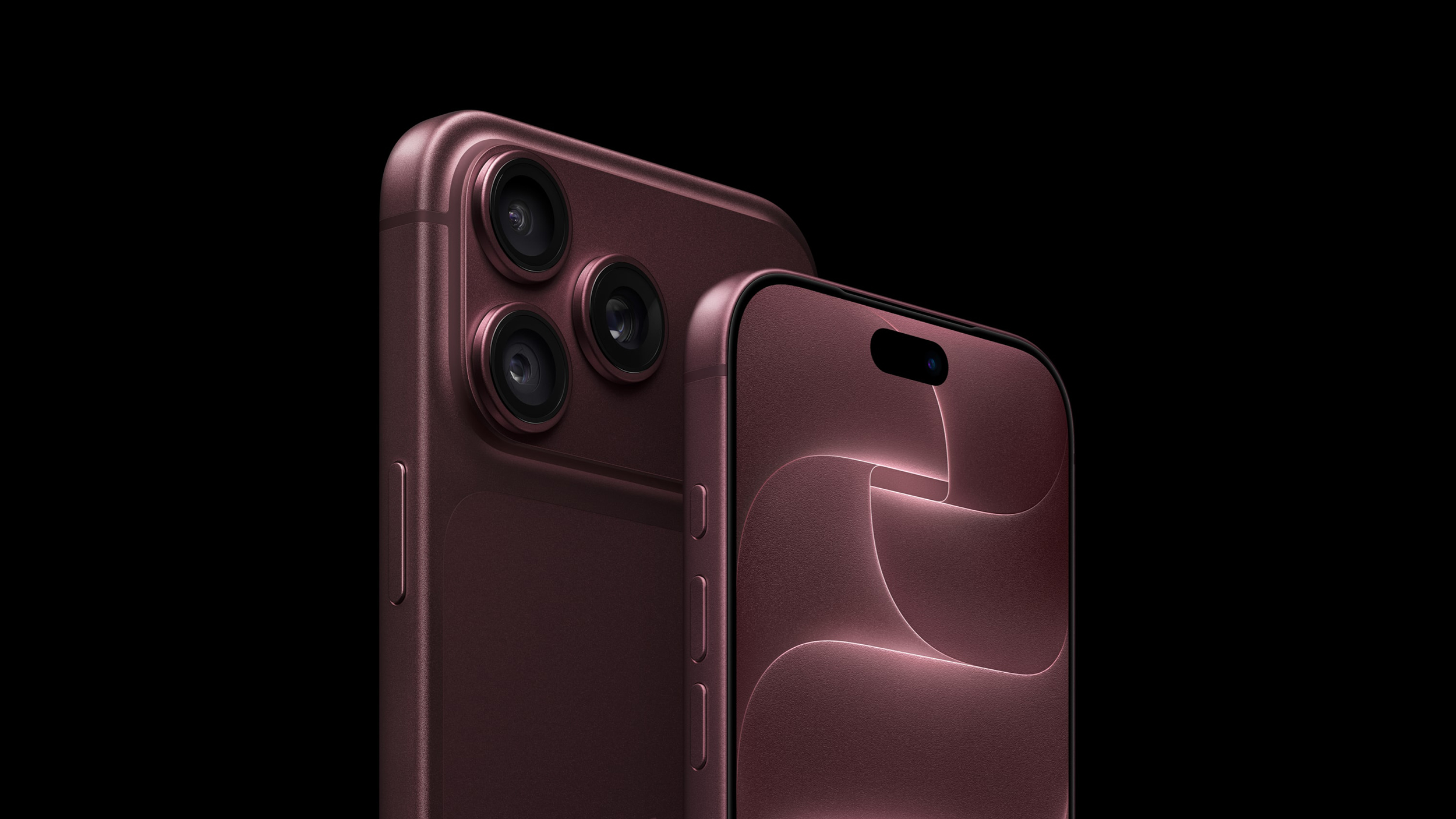
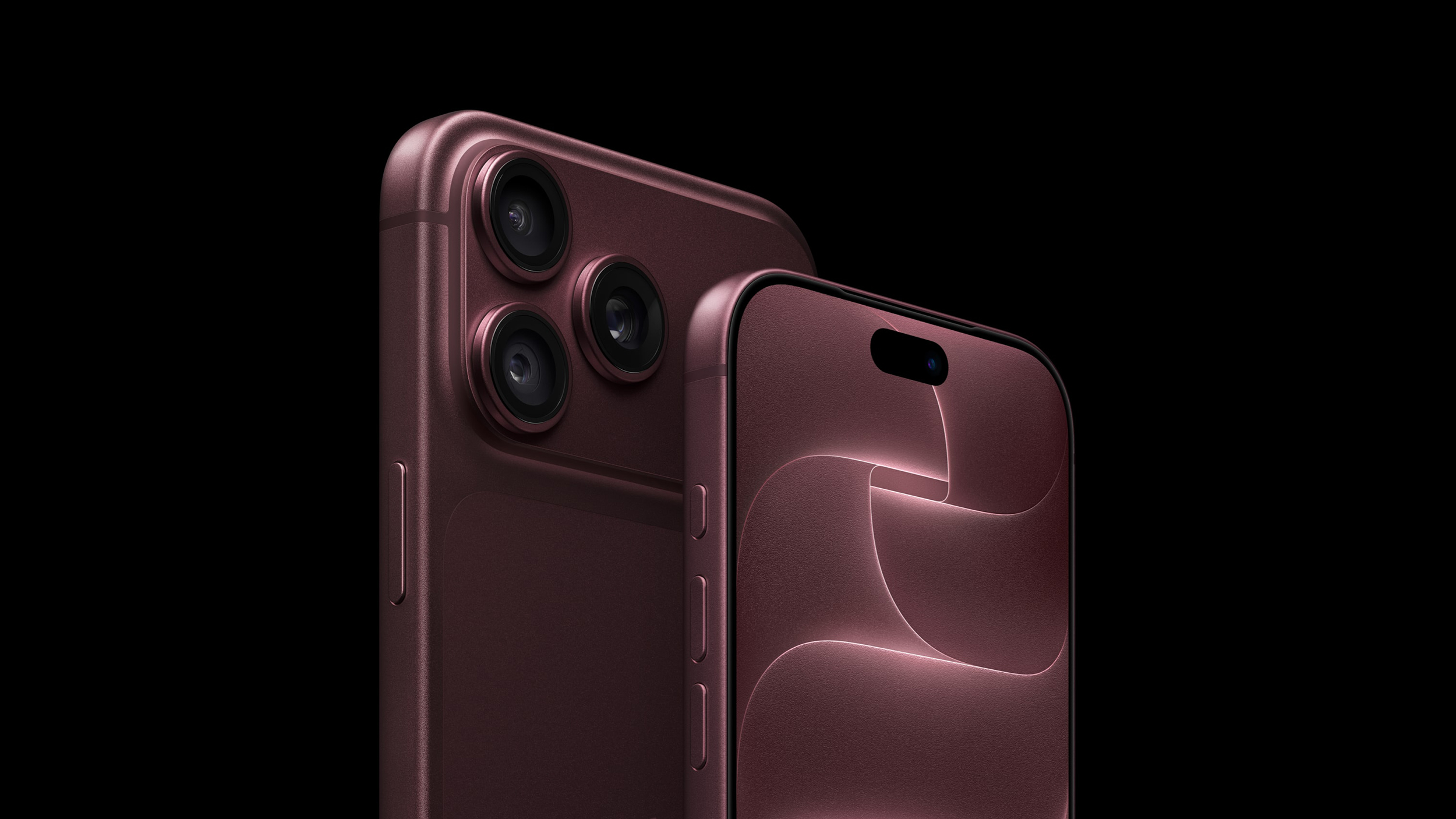
Like the iPhone 17 Pro models, the new iPhone 18 Pro and iPhone 18 Pro Max have three rear cameras – a 48MP Fusion Main lens, an 8x48MP Telephoto lens, and a 48MP Ultra Wide lens. They also share the same focal lengths and resolutions as their predecessors. The big upgrade this year though is the new variable aperture on the Main camera. Let’s dive in.
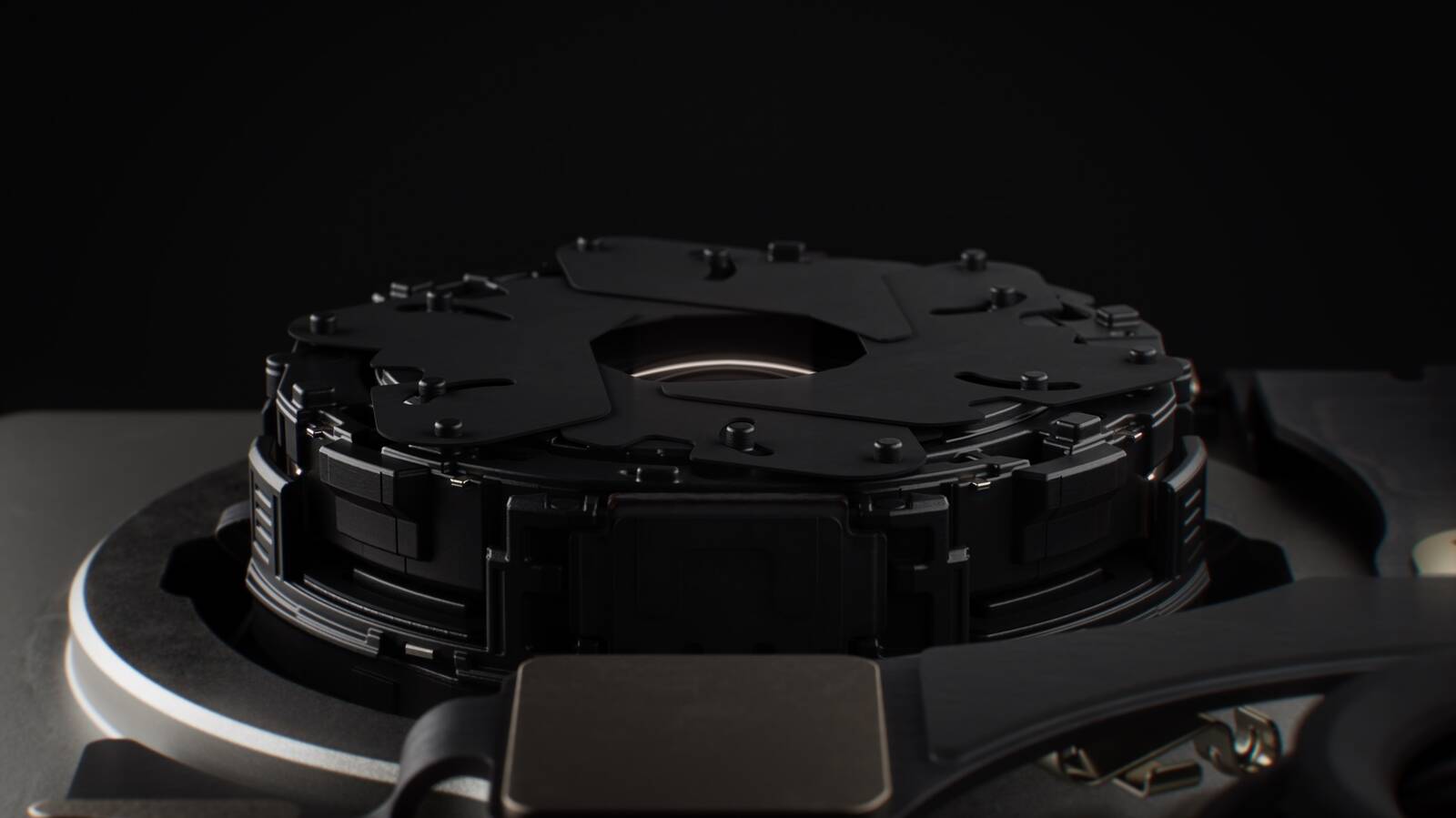
Aperture is what controls how much light enters the lens and hits the sensor. If too little light hits that sensor, images tend to be blurry and/or grainy. To compensate, the shutter has to stay open longer, or it has to turn on Night Mode. The problem with this approach is that the longer the shutter stays open or Night Mode is engaged, the more likely that the imagery will be blurry. Even still photos can lack sharpness and definition.
The solution is to use a variable aperture lens that is physically able to let more or less light in depending on the shot, which in turn allows for variations in shutter speed. The iPhone 18 Pro models can do this automatically, or you can take over the process manually for more stylistic control.
To achieve this, the iPhone 18 Pro and iPhone 18 Pro Max trade a fixed ƒ/1.78 aperture for a four-stop variable aperture ranging from ƒ/1.48 to ƒ/4.0, delivering around 50 percent better low-light performance and giving photographers optical control over depth of field that the iPhone has never offered before.
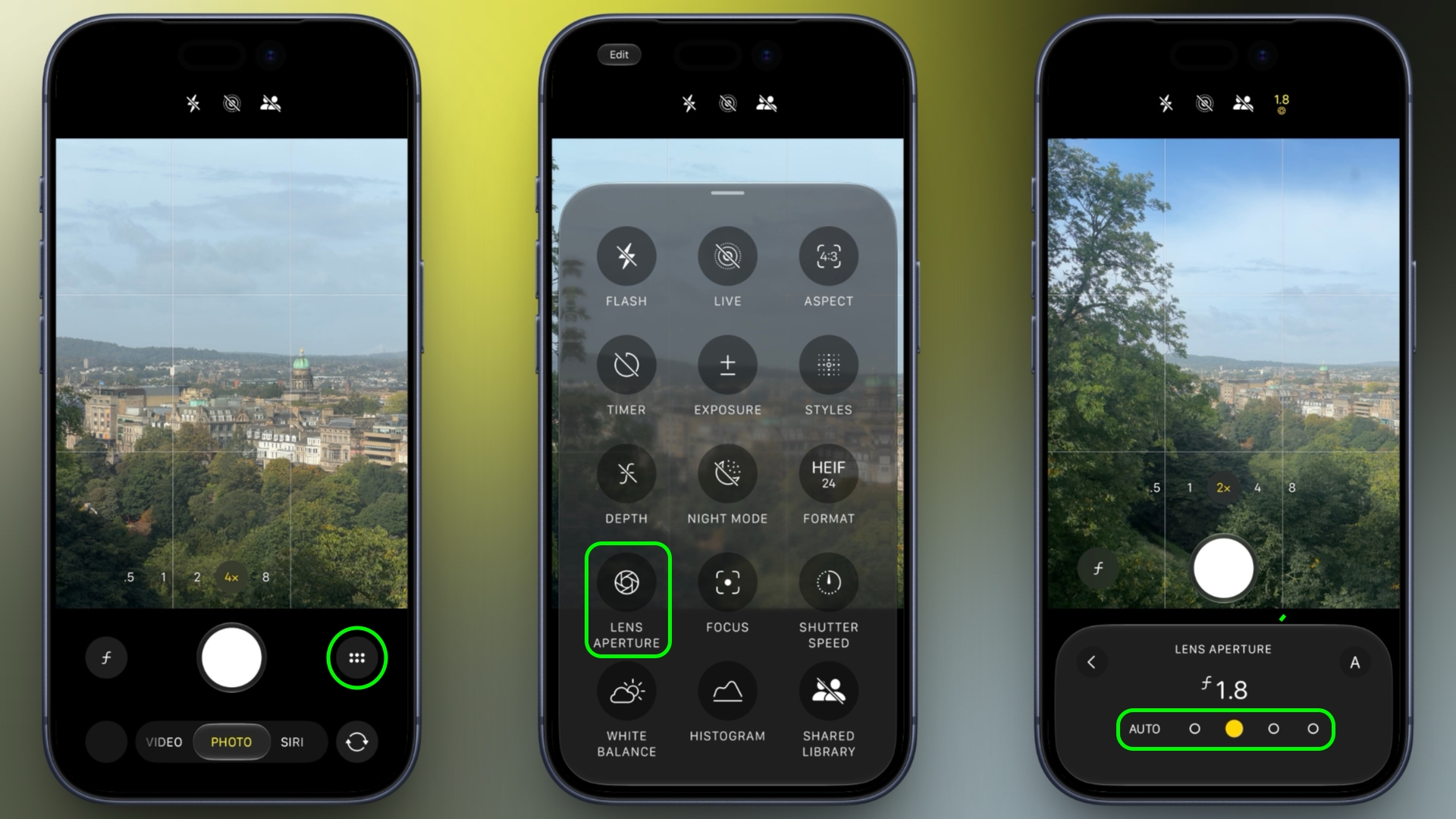
As mentioned, you can leave the iPhone 18 Pro to do its thing with the new variable aperture, or you can take control of it manually. Here’s how it’s done:
- In the Camera app, tap the button with six dots at the bottom-right of the interface.
- Select Lens Aperture from the control pane.
- Tap one of the four circles to set the aperture: from left to right they range ƒ/1.48, ƒ1.8, ƒ2.8, and finally, ƒ/4.0.
- If you change your mind, tap the Auto button on the left to let the iPhone automatically control the aperture.
Try experimenting with different aperture settings to see how they affect your images. The ƒ/1.48, for example, produces a more shallow depth of field, while the ƒ/4.0 will have more of the image in focus.
Just remember that with a variable aperture, the lower the f-number, the wider the aperture and the more light reaches the sensor. That allows the camera to use a faster shutter speed in the same lighting conditions, while also producing a shallower depth of field. By contrast, the higher the f-number, the smaller the aperture, letting in less light but increasing the amount of the scene that can remain in focus. The latter can be useful for landscapes and group shots, for example.
This article, "iPhone 18 Pro: Using the New Variable Aperture Lens" first appeared on MacRumors.com
Discuss this article in our forums