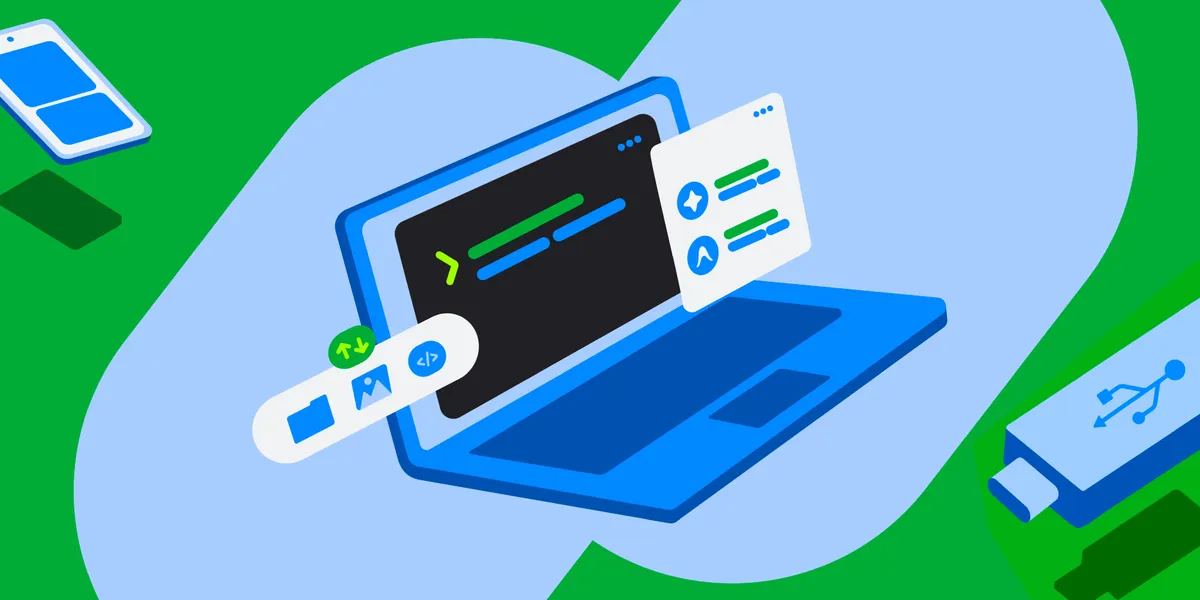
Today, getting the most out of AI workflows requires access to a terminal with a command line, even if someone doesn’t identify as a programmer or software developer. With Googlebook, we’re excited to help users express themselves and gain access to these tools. Googlebooks come with pre-installed tooling to get you going. In this post, we’ll explore the capabilities of our new Linux terminal— now available in preview— share our future roadmap, and invite you to help us shape this ecosystem together.
AI agents use the terminal to install packages, write files, automate tasks, and create apps based on prompts written in plain language. For Googlebook to be the perfect companion for building and working at the frontier of agentic AI, the terminal needed to be easily accessible.We understand AI comes with risks. Googlebook OS has been architected with defense-in-depth as a core principle. All terminal commands run entirely inside the Linux VM, creating an isolated sandbox. This design allows users to grant `sudo` (administrator) privileges to AI tools like Antigravity and other agentic AI platforms, that make heavy use of command-line tools, while limiting opportunities for system corruption or unauthorized access to your private files. The VM boundary helps protect the host OS and unmounted files; each directory made available to the Linux VM is only mounted after the user’s explicit permission. Best of all, a one-click VM reset makes experimentation stress free because users can easily retain their files on the host file system when they reset the VM. You can even see your Linux files inside the Googlebook Files app, where a user can access local folders – including photos and files synced effortlessly from their Android phone. Using a quick Python script or AI agent, you can batch-process your files in seconds.
The terminal provides users with the freedom to create and use the software that they choose. We’re excited to see users build tools that are hyper-specific to their needs as well as prototype apps for broader use. With a Debian Linux environment, users benefit from the mature ecosystem familiar to Linux developers. This means that they have access to the latest CLI tools and common developer workflows like `apt`, `git`, `ssh`, and common compilers and runtimes.Out of the box, our preview of the terminal on Googlebook has been optimized for rapid prototyping, web development, scripting, and agentic workflows via CLI. There is automatic localhost port forwarding to the host browser, and support for modern runtimes (e.g., Node.js, Python, Ruby, Go, Rust). Users can adjust the amount of memory made available to the VM to best suit their workloads. Our own engineers have been using Googlebooks to build a Linux kernel and use the terminal for platform engineering.
We can’t wait for the terminal and Linux VM to continue getting more capable over time, including Linux GUI app support with integration directly into the app launcher. Here are some key areas on the roadmap:
We’re looking forward to seeing your creations and will be sharing more soon. Questions? You can reach us here for direct support. We've also really enjoyed hearing your early thoughts and feedback in r/googlebook.
Googlebook introduces a new category of laptops built on a shared Android foundation. High-performance hardware from partners such as HP, Dell, Lenovo, Acer, and Asus, combines mobile convenience with desktop power.
As agentic development accelerates, Android engineering is reaching an exciting new frontier: moving from assistive code completion to agents executing end-to-end under your direction. You have total choice and flexibility in the models and agents you use.
Today, we shared how we’re taking our “more than a store” vision into its next chapter. From You tab, now the personal home base for over 250M monthly active users, to our unified gaming platform connecting over 700M gamer profiles, Google Play is meeting users wherever they are.
Get the latest Android development insights delivered to your inbox weekly.