Compatible HomePods can now handle Mac system sounds through a persistent AirPlay connection designed to reduce delays. Here’s how to set one or a pair as your Mac’s default speakers, and how well it works.
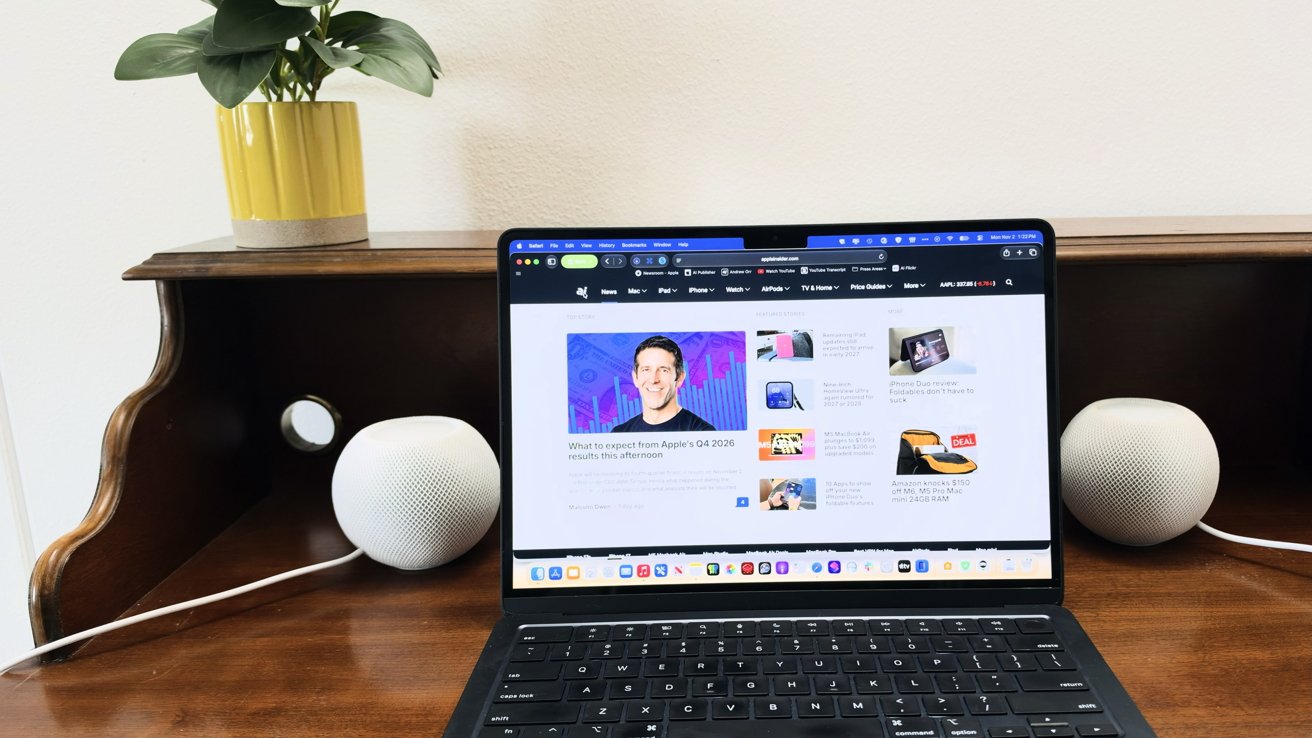
 MacBook Air with HomePod mini speakers
Mac owners have long streamed music to HomePods, but traditional AirPlay’s delay makes it less practical for games, video calls, and other apps. Apple’s latest update aims to make HomePods useful as everyday Mac speakers, not just for music.
The feature arrived with macOS 27.2 and HomePod software 27.2 on October 26, 2026. Apple describes it as a responsive, persistent AirPlay connection that lets compatible HomePods handle a Mac’s audio without repeatedly establishing a new stream.
For anyone who already has a HomePod sitting near their Mac, it’s a potentially useful alternative to buying separate desktop speakers. However, getting music to play through a HomePod doesn’t necessarily mean the new connection is working.
Continue Reading on AppleInsider | Discuss on our Forums