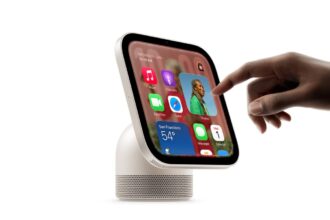
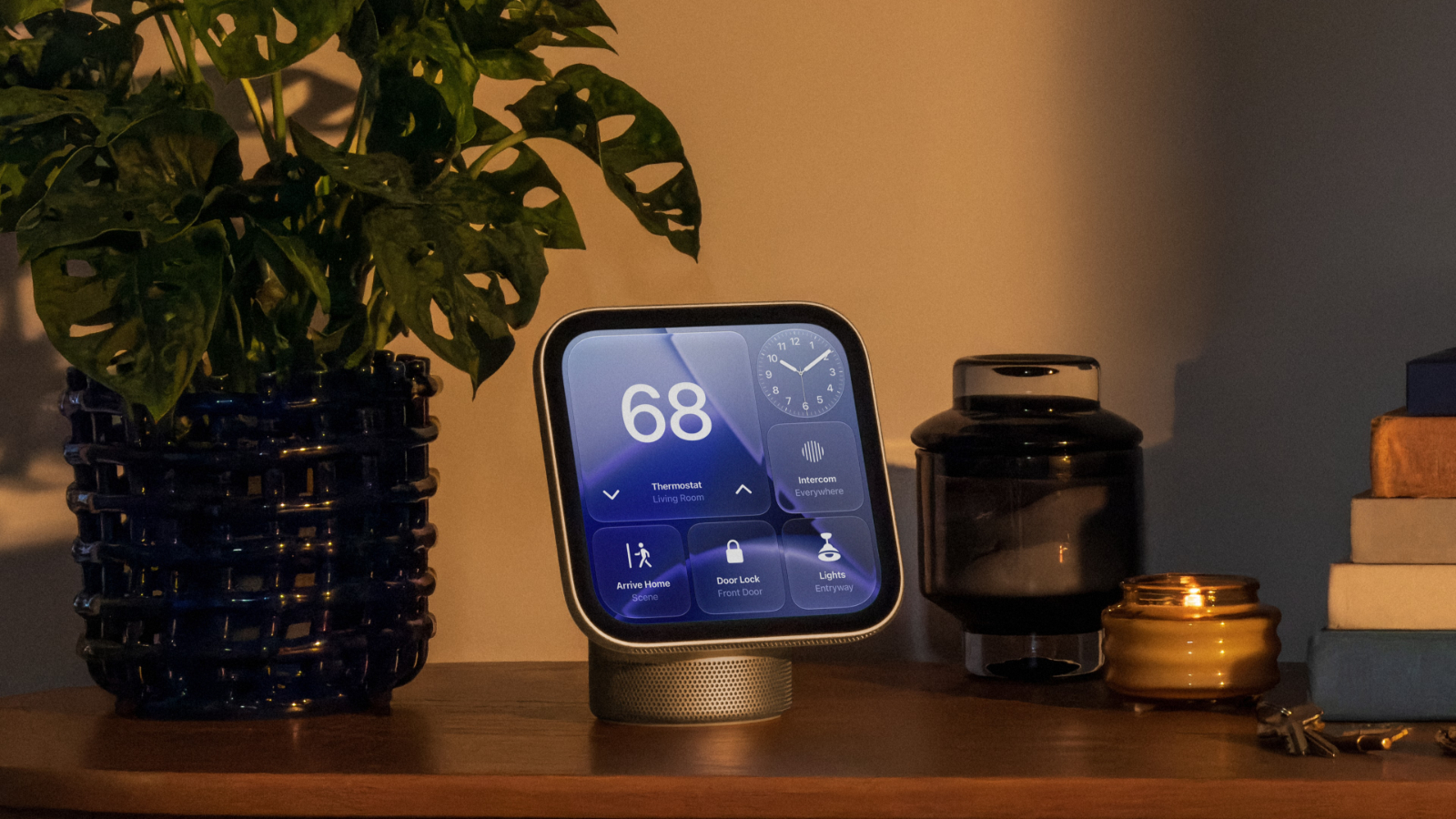
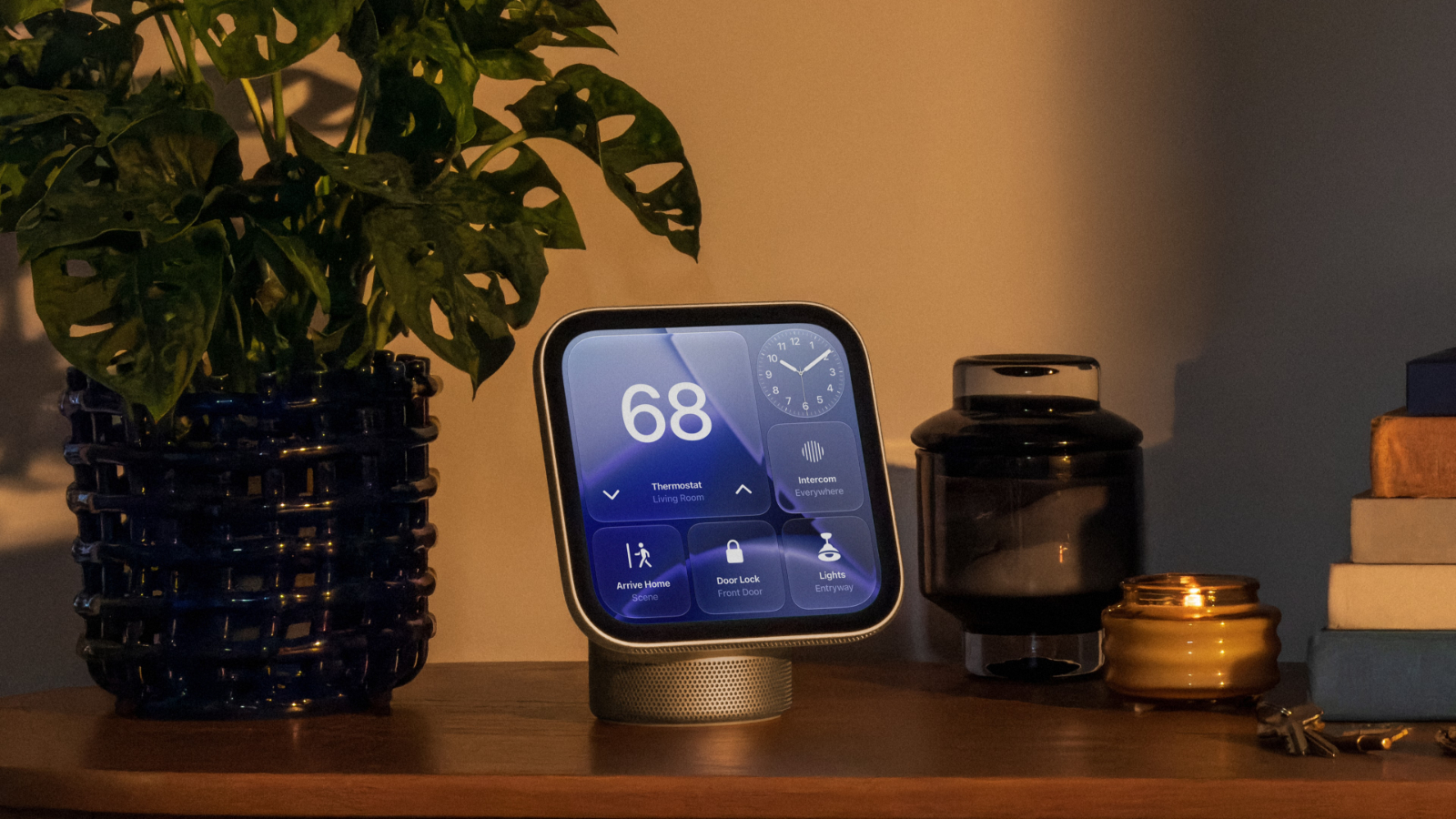
Apple’s HomeView is out today, and we’re finally learning all the little details about the new hub. We’ve rounded up a list of tidbits for those setting up a HomeView or thinking about getting one.
Sunglasses
Apple says the HomeView probably won’t recognize you if you have your face covered, including when wearing sunglasses. If HomeView isn’t identifying you, Apple suggests removing anything that would block the camera from seeing your face.
The HomeView’s screen needs to be angled toward your face, you need to be centered in the frame and closest to the camera if other people are around, and the HomeView can’t be blocked by overhanging shelves and cabinets. Apple says the HomeView needs front-facing, even light.
Mirror
There’s a « Mirror » in the HomeView Control Center that lets you use the camera to see yourself. There’s an option to turn on an edge light for face illumination, along with 1x and 2x zoom.
Guest Controls
The HomeView owner has multiple options for what guests can access.
- Safari can be turned on or off, or adult websites can be blocked.
- By default, guests can use Siri for general knowledge, writing help, and math help, but Siri features can be turned off.
- Explicit content can be turned on or off.
- There’s an option to choose which Apple Music subscription supplies music for an unrecognized user.
Wi-Fi/Cellular
The HomeView authenticates people through face recognition and by making sure their iOS device is nearby, recently unlocked, and on the same Wi-Fi network as the HomeView. If there’s a Wi-Fi outage, Apple says cellular can also be used to unlock personal content as long as it’s in the same location and was recently on the Wi-Fi network.
Sleep Timer
You can set a sleep timer on HomeView to pause whatever media is playing when the timer goes off.
No Buttons
There is no button to turn the HomeView on or off, or restart it. It can be restarted from the Settings app or by briefly unplugging it.
Logins
You can log into websites and apps using your iPhone, similar to how the Apple TV works.
Notifications
The HomeView only has notifications for phone calls and home devices, with an option to toggle on critical notifications. There are no other notification settings or options.
Liquid Glass
The transparency of the Liquid Glass interface can be adjusted from clear to opaque like on iPhone, iPad, and Mac.
Personal Data Lockouts
If someone tries to repeatedly access personal content on HomeView that needs authentication, facial recognition via the camera is disabled and you’ll need to prove identity with a registered device.
This article, "HomeView Tidbits: Mirror, Sleep Timer, and Other Details" first appeared on MacRumors.com
Discuss this article in our forums