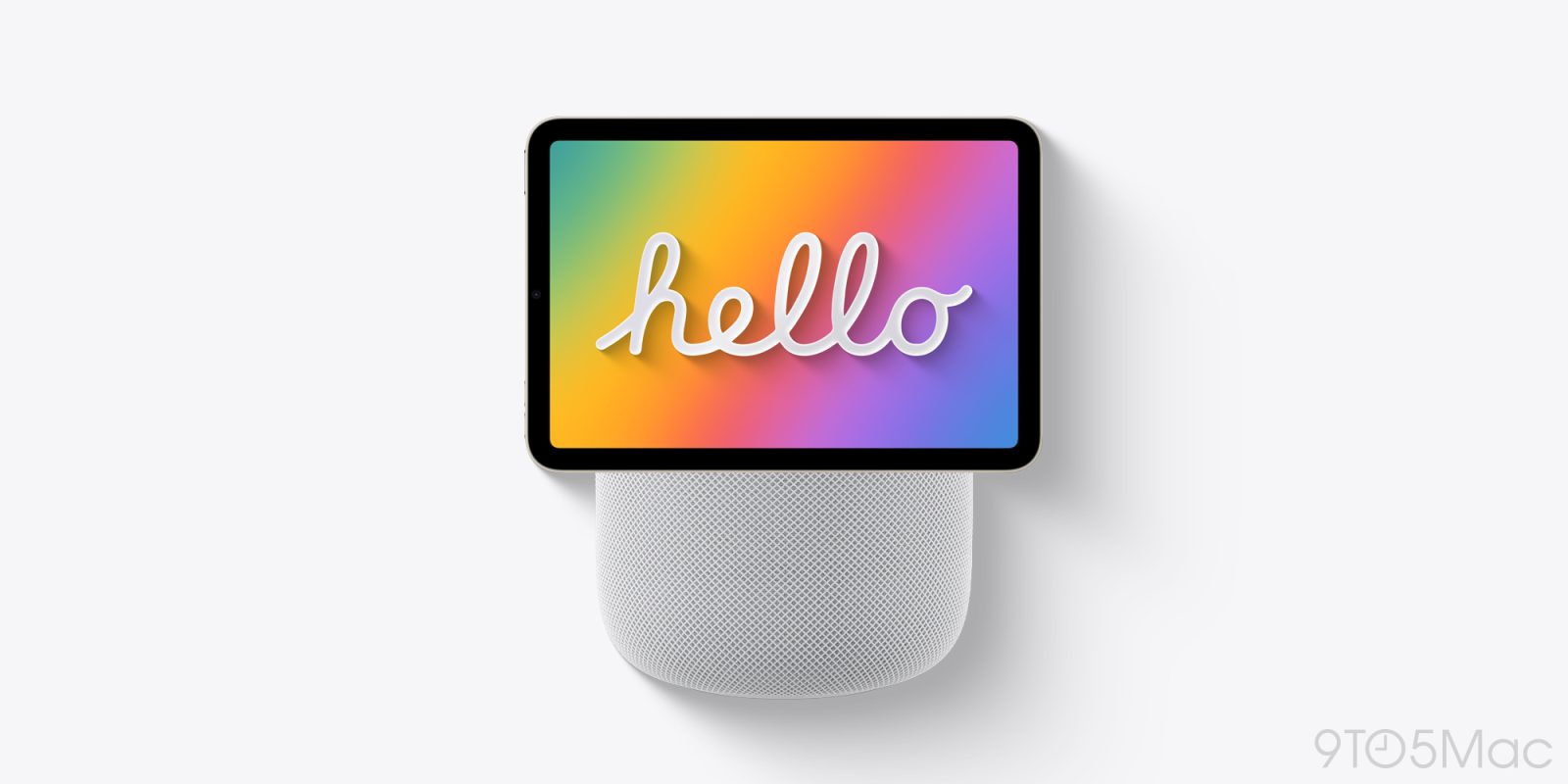
Apple’s long-rumored ‘HomePad’ product is finally set to be unveiled next Tuesday at the ‘Welcome home’ event. Here are three HomePad features I’ve been waiting a long time for.
Digital picture frames are nothing new. But I’ve never owned one, in large part for two reasons:
There are currently zero digital picture frames with native Apple Photos integration for an effort-free experience. But with the HomePad, rumors indicate there’s a Photos face available that will automatically cycle through pictures from Apple Photos.
This is exactly what I’ve been wanting for years. I hope to put several HomePads throughout the house so they can surprise and delight me with memories at every turn (while providing other key features too).
I own a few HomePods, and enjoy listening to music with them. But what I’ve really wanted for a long time is the chance to see lyrics while listening.
Thanks to AirPlay, I can do this with my iPhone while music plays through the HomePod. I rarely do this, though, because I try to avoid pulling my phone out as much as possible with family around.
With HomePad though, all signs point to the Music app letting you view lyrics onscreen while a song is playing. I’m terrible at picking up lyrics just by ear, so I’m excited for the chance to better learn songs while staying in the moment with family members when we’re listening together.
‘But what I’ve really wanted for a long time is the chance to see lyrics while listening.’
I must be hallucinating because when I go over to my buddy’s house for karaoke nights we all gather around the television and use the Apple TV to do just that with the music app. When I want to reference lyrics myself (I’m a lyrics guy too) I just open up my iPad with Magic Keyboard because it’s already a large display connected to music on a stand, and tap the lyrics option in Apple Music. Or I guess I do this on my iMac, or MacBook sometimes.
In fact I think the only current generation Apple product with a display that doesn’t allow you to access lyrics is the Apple Watch.
This writer should really use Apple products sometimes, instead of just trying to sell them on lame use cases that already exist across virtually their entire product catalog.
Siri AI is a major improvement over the old Siri. Unlike the old Siri on my HomePods, Siri AI can handle basically any question you throw at it. And with the HomePad, not only will Siri’s intelligence get a boost—it will also be able to show visuals in its responses.
I ask Siri on my HomePods to do basic things like set reminders, or provide info on the weather. But with Siri AI on the HomePad, I imagine I’ll turn to Siri far more often than I ever have. That’s already been true with Siri AI on my iPhone.
Having Apple’s new AI assistant all throughout the house, and equipped with a display for showing visual results, should prove a big improvement from my current HomePod setup.
Are you interested in Apple’s HomePad, and if so, what do you imagine using it for? Let us know in the comments.
FTC: We use income earning auto affiliate links. More.
Check out 9to5Mac on YouTube for more Apple news:
HomePod is Apple’s effort to “reinvent home …
Ryan got his start in journalism as an Editor at MacStories, where he worked for four years covering Apple news, writing app reviews, and more. For two years he co-hosted the Adapt podcast on Relay FM, which focused entirely on the iPad. As a result, it should come as no surprise that his favorite Apple device is the iPad Pro.