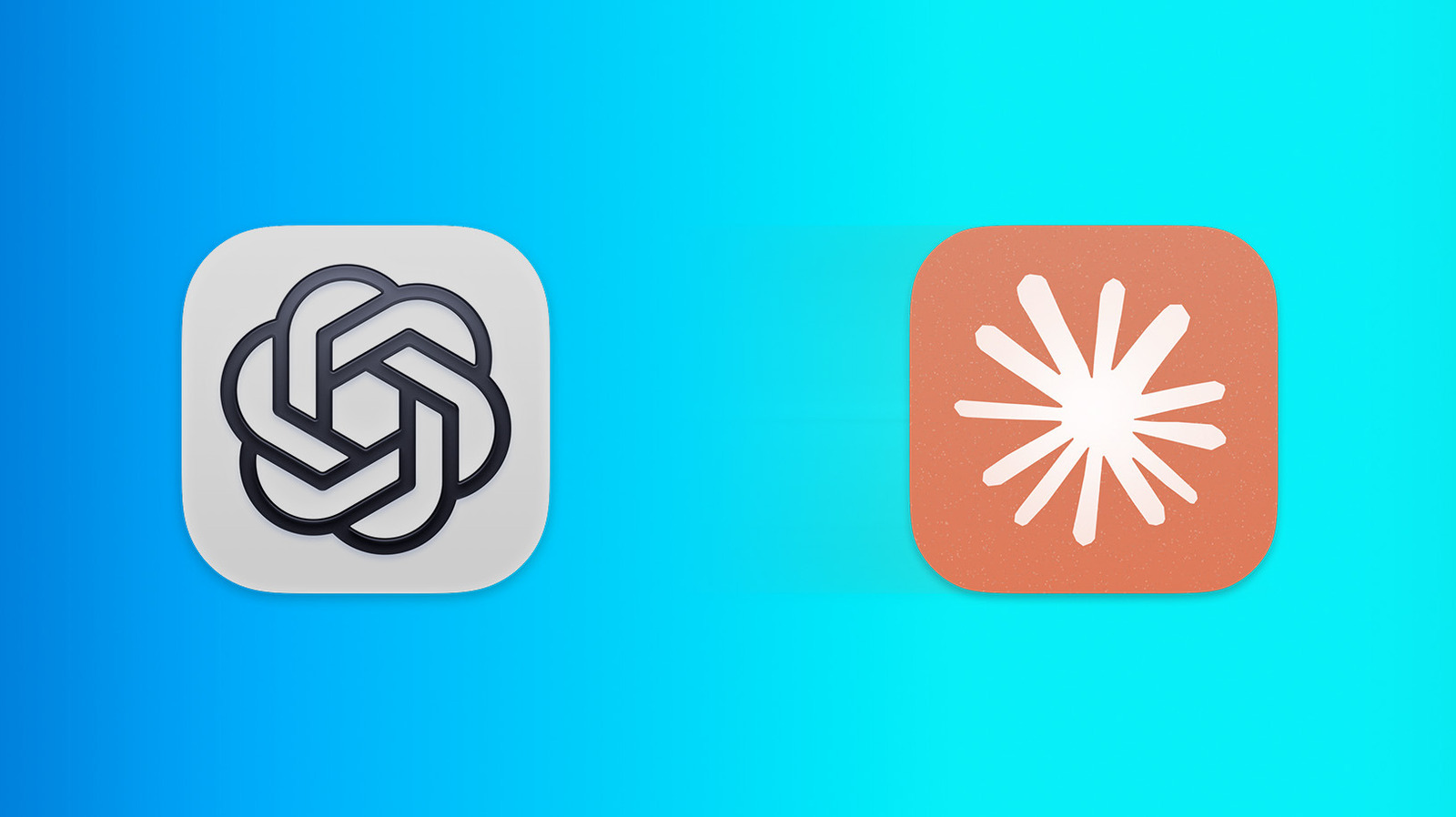
If you're moving from ChatGPT to Claude, you don't have to start with a clean slate. Earlier this year, Anthropic added Claude's Import Memory feature, which lets you bring over saved context from other chatbots. Here's how to get the best results.
There are a few reasons you might want to switch from ChatGPT to Claude. Maybe you like Claude's coding abilities, or perhaps you've soured on OpenAI because of its deal with the Department of Defense. If you are making the move, the good news is there isn't much of a learning curve. The main challenge is moving your saved context from one chatbot to the other — and Anthropic's import tool makes that part dead simple.
Note that you don't have to use memory at all. Claude and other AI chatbots are perfectly functional without remembering your preferences or past chats. (In that case, each new thread is a fresh start.) These steps are only for people who want to carry that context over.
To get the best results, you'll want to set things up on both sides. These steps work on the web and in the desktop apps for Claude and ChatGPT:
Of course, this feature isn't limited to ChatGPT. If you're moving from Gemini, the same basic process applies. You just need to turn on its memory feature under Settings > Personal Intelligence > Memory before entering Claude's import prompt and pasting the result back into Claude.
Anthropic says it can take up to 24 hours for the import to finish. So, don't panic if Claude's answers don't seem to incorporate your old context right away.
After that, you can review what Claude remembers in Settings > Memory (or Settings > Capabilities > Memory from your chats if your account still uses legacy settings).