Affiliate links on Android Authority may earn us a commission. Learn more.
Gemini can already work with a long list of apps on your phone, from Gmail to YouTube Music. Now it looks like Google wants its AI assistant to help with something a lot less exciting but much more annoying — setting up your eSIM.
You’re reading an Authority Insights story. Authority Insights brings you all the latest exclusive reports, app teardowns, leaks, and in-depth tech coverage from the Android Authority team that you won’t find anywhere else.
We’ve spotted a new SIM Manager connector in Gemini’s list of apps on a Pixel 9 running Android 17 QPR3 Beta 2 and version 17.70.10.sa.arm64 of the Google app. Google hasn’t announced it, and it seems to have shown up early. We don’t see it on other phones we checked, including the OnePlus 13R and Samsung Galaxy S25 Plus, so it may be limited to Pixels for now.
The connector appears to be built on Google’s SIM Manager app. This app lets you download and manage carrier profiles on supported Android phones, so you don’t have to deal with a physical SIM card. With the new connector, Gemini can tap into that app for you. According to the connector’s details page, Gemini will be able to:
We tried one of the suggested prompts, and Gemini did start the eSIM setup process. So this isn’t just placeholder text. The feature already works, at least in part.
Interestingly, the details page also shows the instructions Gemini is supposed to follow when answering SIM Manager questions. This is likely part of why the connector seems to have gone live by mistake, since it’s not something Google would usually show users.
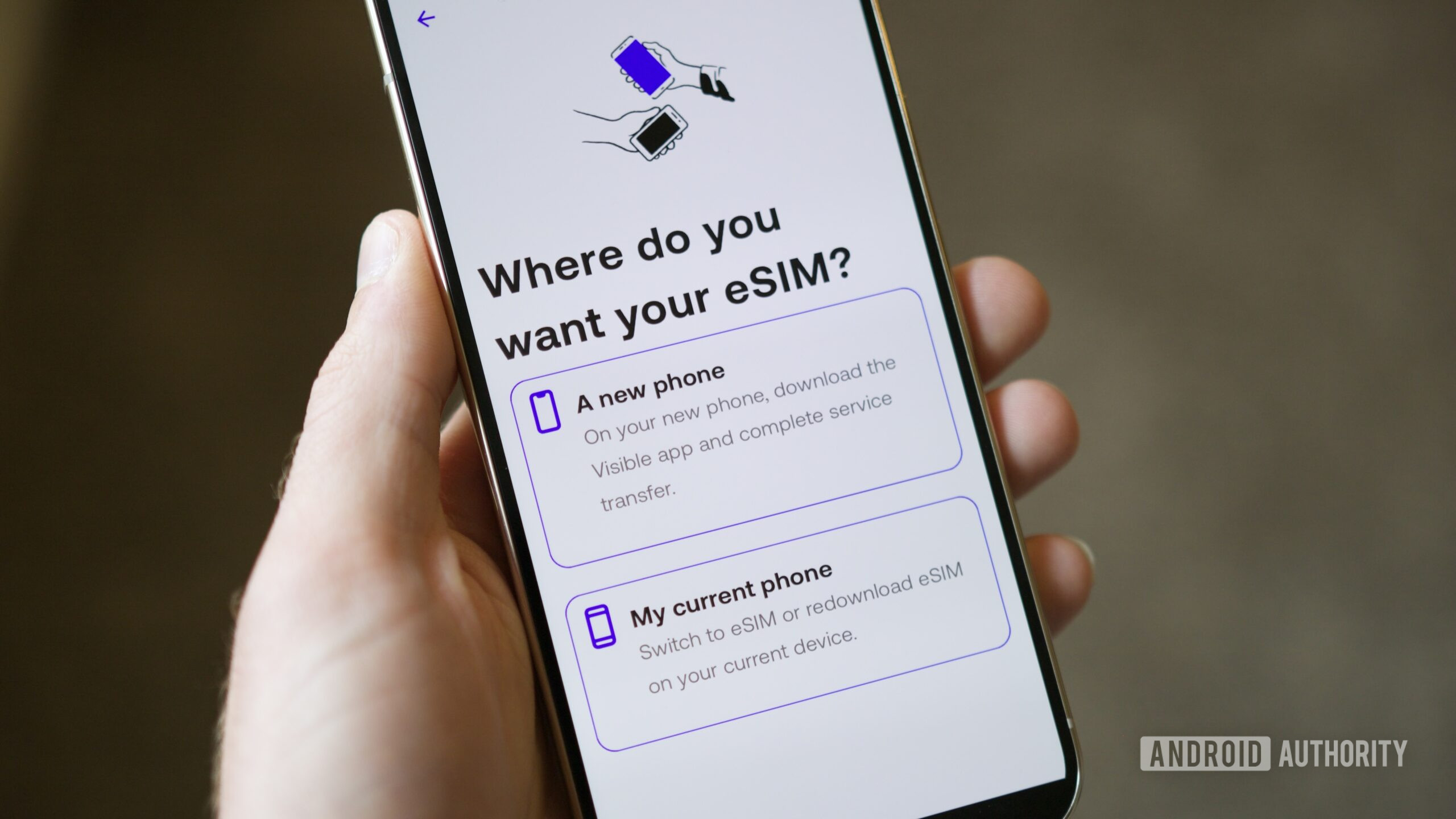
These instructions make it clear that there are some things Gemini won’t do with your SIM. It can’t change your billing plan or show your carrier call history. It also won’t turn on or “activate” an eSIM that’s already installed on your phone. If you ask Gemini to move an eSIM from your current phone to a new one, it’s told to explain that you need to start the transfer from the new phone instead.
Google also tells Gemini to avoid vague requests like “set up my SIM.” That’s because a plain “SIM” could mean a physical SIM card, which this connector doesn’t support. You’ll need to say eSIM clearly if you want Gemini to step in.
Moving to a new phone or switching carriers can be a pain, especially when eSIMs are involved. Having Gemini walk you through it with a simple prompt could make the process much less stressful. We’ll keep an eye out for a wider rollout.