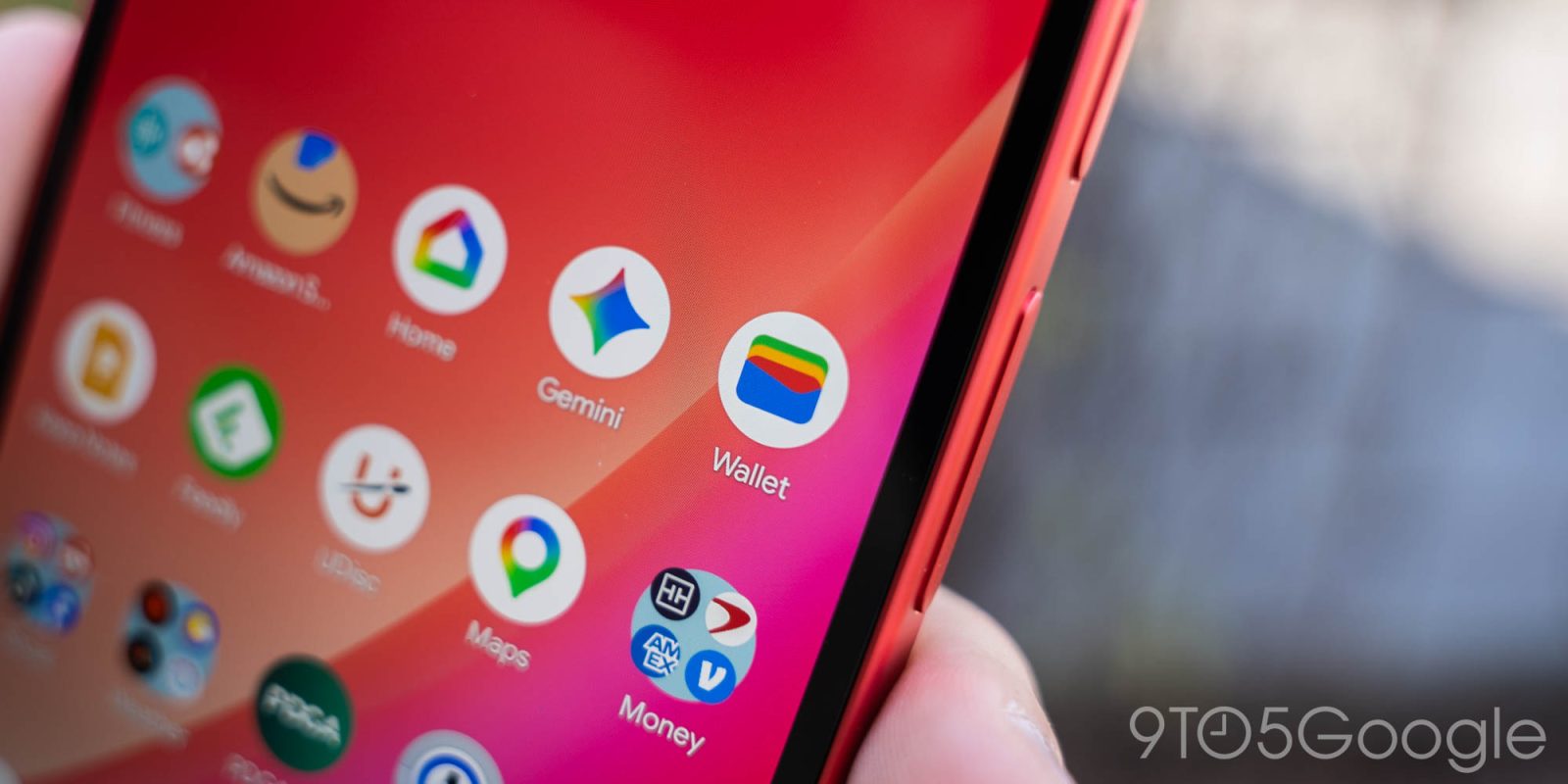
Following the homepage redesign and fullscreen passes revamp this year, Google Wallet is trialing a vertically stacked card list.
Update 10/6: This revamp is not yet widely rolled out, but we’re slowly seeing it on more devices.
With this stacked redesign, you’ll see one full card preview and the sliver of a second at the top. To expand, you can tap or swipe down to enter the fullscreen view (as seen below). After selecting a card, you can tap-to-pay.
To see card details and transaction history, select the new settings gear icon in the top-right corner. This is more cumbersome than the current design.
I force stopped Google Wallet and got the redesign. It's cool that you can swipe down to expand, bit of a pity you can't swipe up to close the list though. Still way better.
Original 9/14: The current design shows your saved credit and debit cards as a carousel at the top of the screen. You swipe horizontally to browse, with this approach showing just a sliver of the next and previous cards at the edges. Google lets you reorder the payment methods and set a default card. This interface allows passes to share the homepage.
The new design uses a vertical list, like the Wallet app on iPhone, that really benefits those with multiple saved cards. Google is showing much more of the card design than Apple, which is a nice aspect of the current look.
This approach is definitely friendlier for one-handed use, especially if your most used cards are placed at the bottom.
There are a handful of reports about this rollout over the weekend, with most coming from international users.
GoogleウォレットがSamsung WalletパクったみたいなUIになっているクソ使いづらい pic.twitter.com/zqOD2hYVve
FTC: We use income earning auto affiliate links. More.
Check out 9to5Google on YouTube for more news:
Editor-in-chief. Interested in the minutiae of Google and Alphabet. Tips/talk: abner@9to5g.com