Affiliate links on Android Authority may earn us a commission. Learn more.
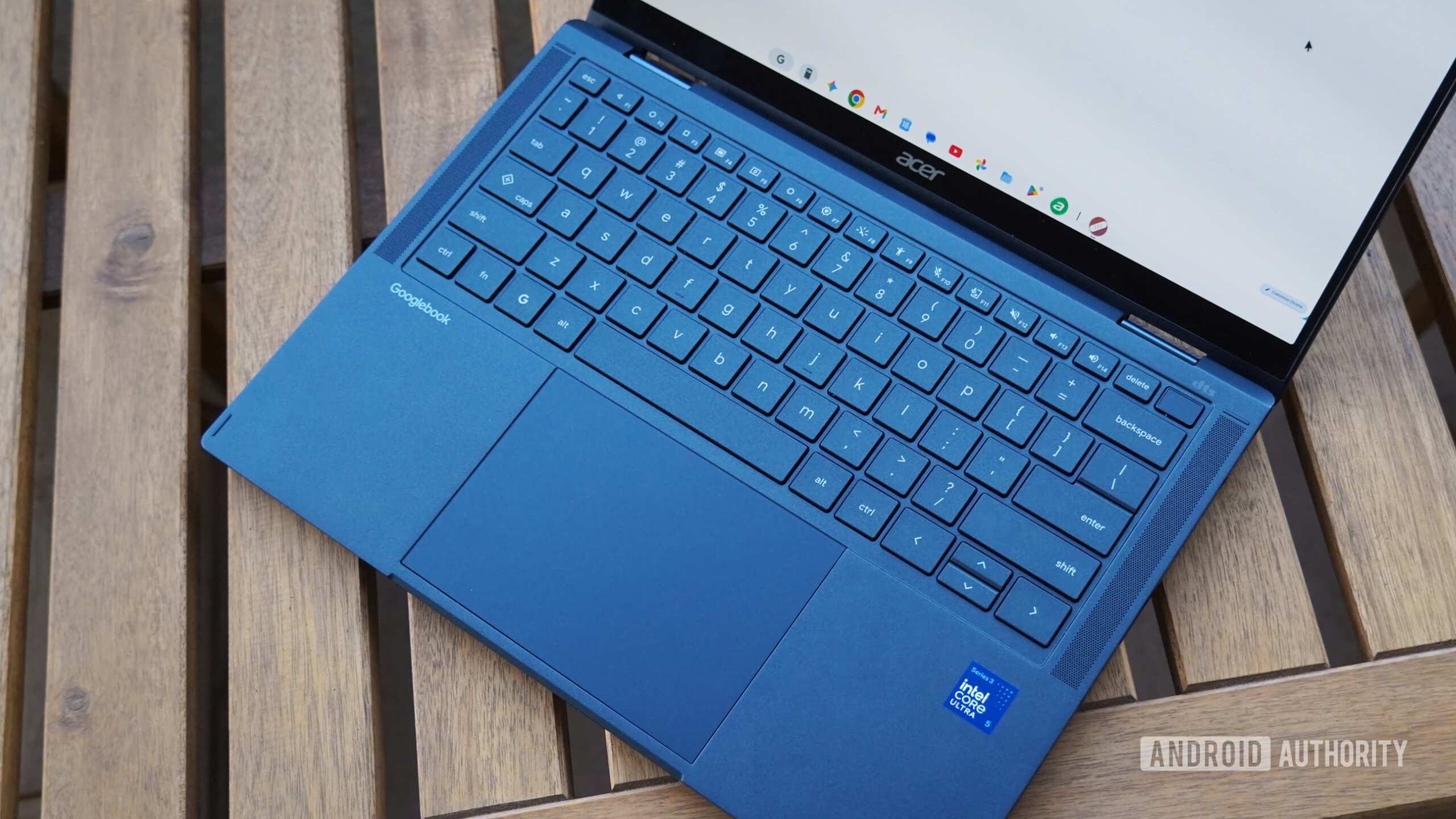
A new computer, a new operating system, and a whole new way of getting things done. Googlebooks have plenty for early adopters to get used to, and the occasional learning curve is hardly surprising. But some owners are running into problems that can’t be solved simply by learning their way around the interface. Fortunately, Google is listening, with several fixes already in development for issues affecting Bluetooth audio, AI writing tools, and phone app casting.
Over on Reddit, Google’s Mishaal Rahman has been actively engaging with affected users, gathering feedback, and checking with the product team. His latest responses shed light on what the team is doing about these frustrating problems.
You’d expect Google’s hardware to get along particularly well with other Google products. Yet some Googlebook owners are discovering otherwise. Pair Pixel Buds with a new Googlebook, fire up YouTube, and the person on screen might move their lips before you hear what they’re saying.
That’s the frustrating experience described by a Dell XPS Googlebook owner who says both YouTube’s Android app and website suffer from audio-sync problems. Several HP owners report similar behavior, including users whose Pixel Buds work perfectly with their phones. Another discussion points to Bluetooth codecs as a possible culprit, with some Snapdragon-powered Googlebooks supporting only SBC, with no alternatives like AAC or LC3.
Google hasn’t confirmed whether codec limitations explain the lag, but Mishaal says two improvements are coming: a fix for latency affecting certain Bluetooth products and, separately, expanded codec support, including AAC. Neither has a confirmed release date.
Imagine spending hours trying to activate a feature that’s supposed to be part of your new computer. That’s essentially what some Googlebook owners are experiencing with Gboard’s Writing Tools.
And it’s not for lack of trying. Some users went so far as to factory-reset their Googlebooks, switch system and keyboard languages to US English, and leave the laptop charging in hopes of downloading the necessary AI models. Yet Writing Tools remained greyed out and unavailable across Gmail, Docs, and other text fields.
Luckily, Google is now testing a change intended to fix the issue, with a release planned once it’s ready.
Meanwhile, some users report that Writing Tools have started working after system updates or fresh setups, although there’s no confirmed universal workaround.
Googlebooks promise closer integration with Android phones, but one peculiar problem is exposing a crack in that relationship.
Instant Hotspot can automatically connect a Googlebook to a phone’s internet connection without a hitch. But try using Cast My Apps over that same connection, and things fall apart. Instead of showing the phone’s apps, the laptop displays a pairing QR code that doesn’t complete setup.
The problem has surfaced across different device combinations, including a Lenovo Googlebook paired with a Pixel 11 Pro XL and a Dell XPS Googlebook connected to a Galaxy Z Fold 8. Even Google’s suggested troubleshooting steps haven’t resolved the latter case.
The irony is hard to miss: the devices communicate well enough to share internet access, yet struggle to deliver another feature designed to make them work together. Mishaal confirms that Google knows about the problem and is developing a fix, though there’s no rollout timeline yet.
These aren’t exactly the first impressions Google would have wanted. Still, with fixes underway and some users already reporting improvements, there’s reason to hope these early Googlebook frustrations won’t stick around for long.
Thank you for being part of our community. Read our Comment Policy before posting.