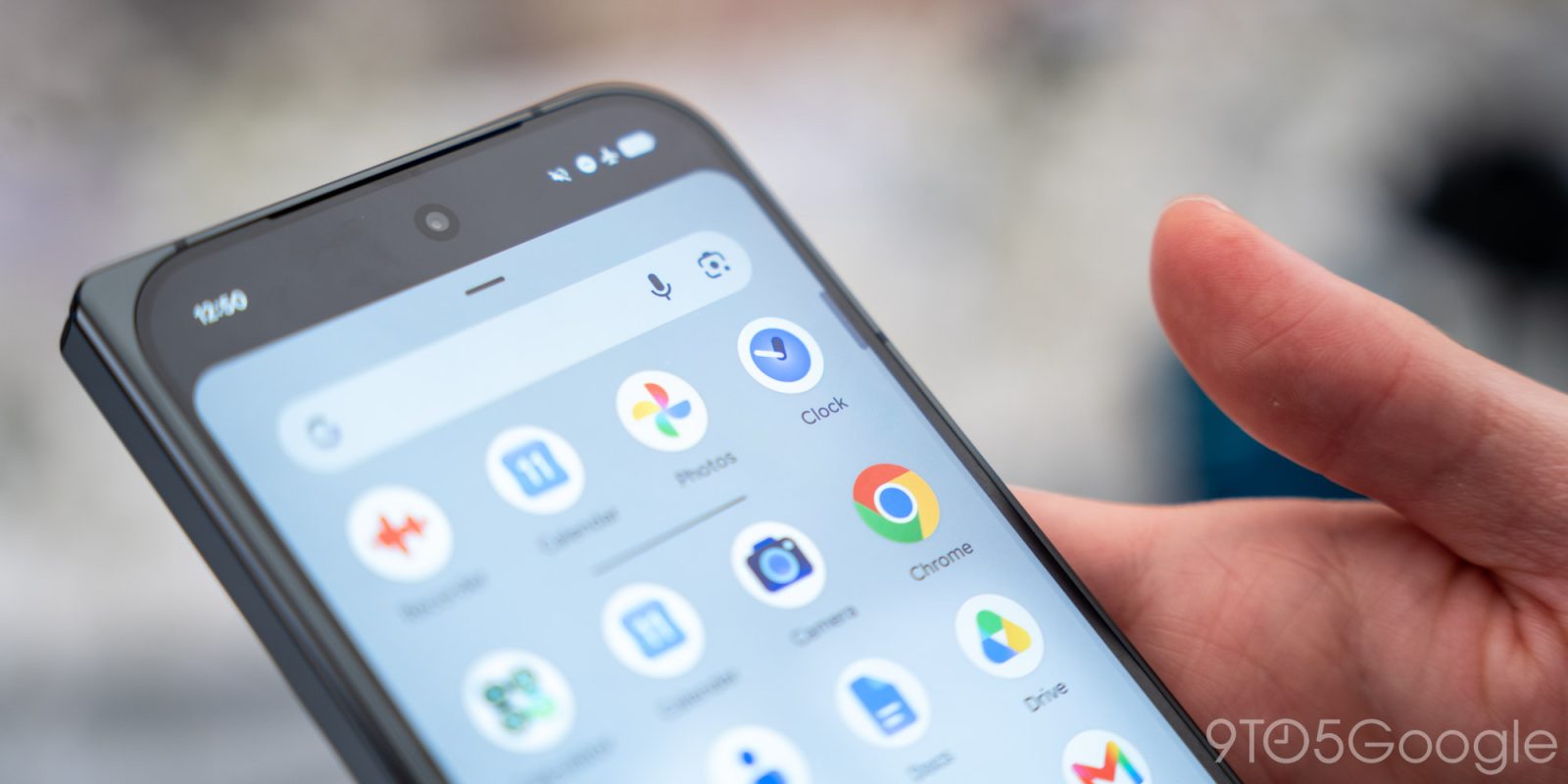
Following the new app icon, Google Clock has rolled out a redesigned Timers tab. This follows yesterday’s update to the Now Playing app.
The big change is that Google has introduced presets for 1, 5, 10, and 15 minutes that immediately start counting down once tapped. Google has tweaked the numbers at the top with Hours, Minutes, and Seconds replacing h, m, and s.
A big green “Start” pill replaces the previous icon at the bottom of the screen. Finally, the number pad no longer uses circular backgrounds. This tweak makes the screen feel flatter, with the interface now much busier but more efficient.
If you have multiple timers, Google has shrunk down the cards and now offers a grid instead of the previous scrollable list. This is a much better use of screen real estate, while there are no changes to the single-timer look. The pause button is now inside the circular countdown, while reset is outside.
This Timers redesign is rolling out as part of a server-side update with version 9.1 of Google Clock. If you’re not seeing it yet, Force stop from App info.
FTC: We use income earning auto affiliate links. More.
Check out 9to5Google on YouTube for more news:
Editor-in-chief. Interested in the minutiae of Google and Alphabet. Tips/talk: abner@9to5g.com