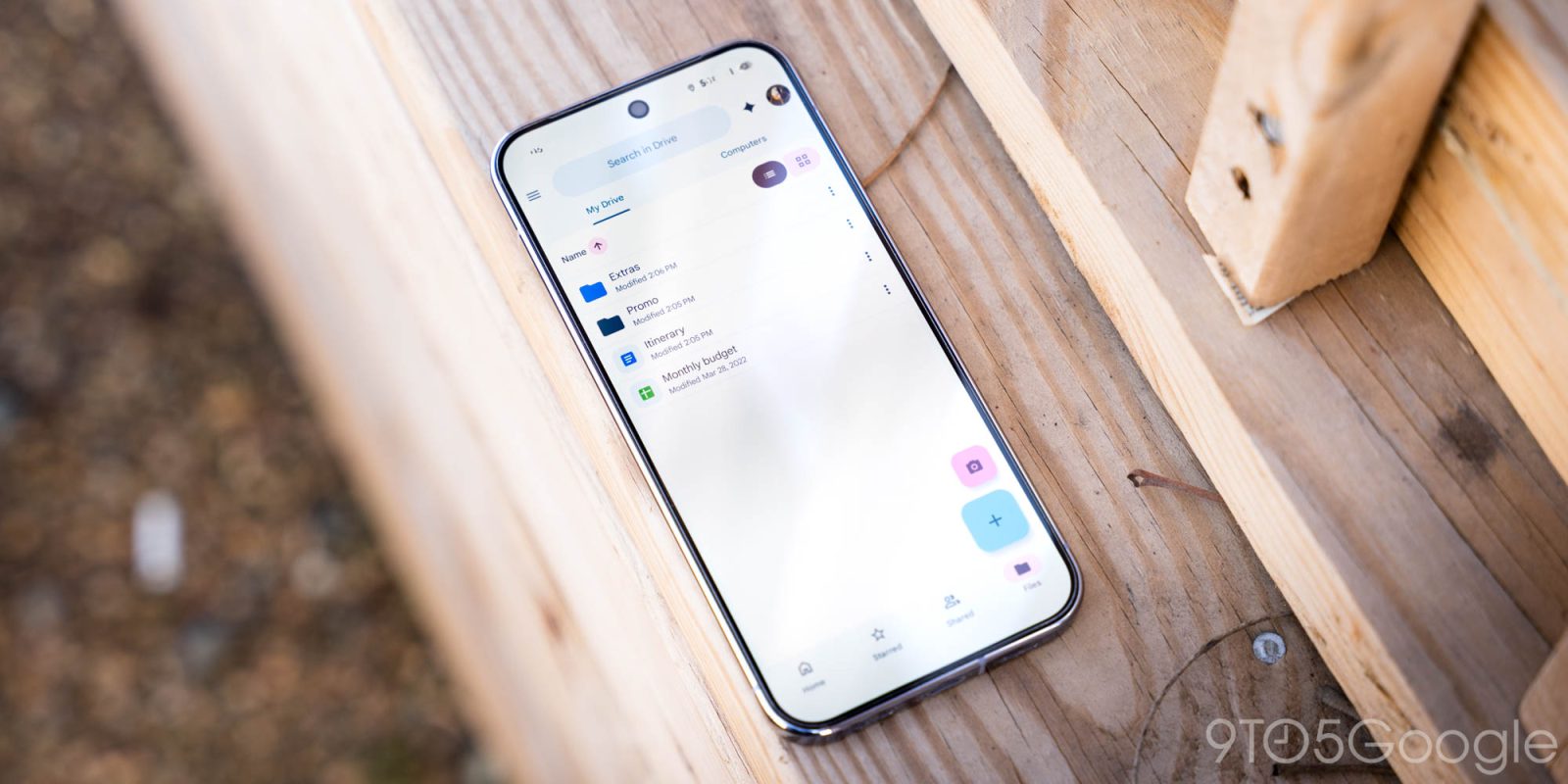
Google now lets Android users automatically upload files and other downloads from their phone or tablet to Google Drive thanks to a new “Documents” backup.
This local backup option stores files you’ve saved to your device, like downloads from Chrome, to Google Drive. This cloud access is convenient if you ever lose your device. Keep in mind that this will count against your Google Account storage limit.
Specifically, a new “Android backups” folder will be added to your My Drive. Inside, there will be another named after your phone, with support for multiple devices. Most people will see an overarching “Download” folder that can include “Quick Share.”
To enable, go to Settings > Accounts and backup > Google Backup (on Pixel) for a new “Documents” menu between Photos & videos and Other device data.
You can manually trigger a device backup to upload your latest documents, but it otherwise follows the automated (nightly) schedule.
Google first said this feature was coming in February, and we started seeing a rollout earlier this month. As of today, we’re seeing Documents backup with the latest stable version of Google Play services (26.26) on several devices.
FTC: We use income earning auto affiliate links. More.
Check out 9to5Google on YouTube for more news:
Breaking news for Android. Get the latest on app…
Editor-in-chief. Interested in the minutiae of Google and Alphabet. Tips/talk: abner@9to5g.com