Affiliate links on Android Authority may earn us a commission. Learn more.
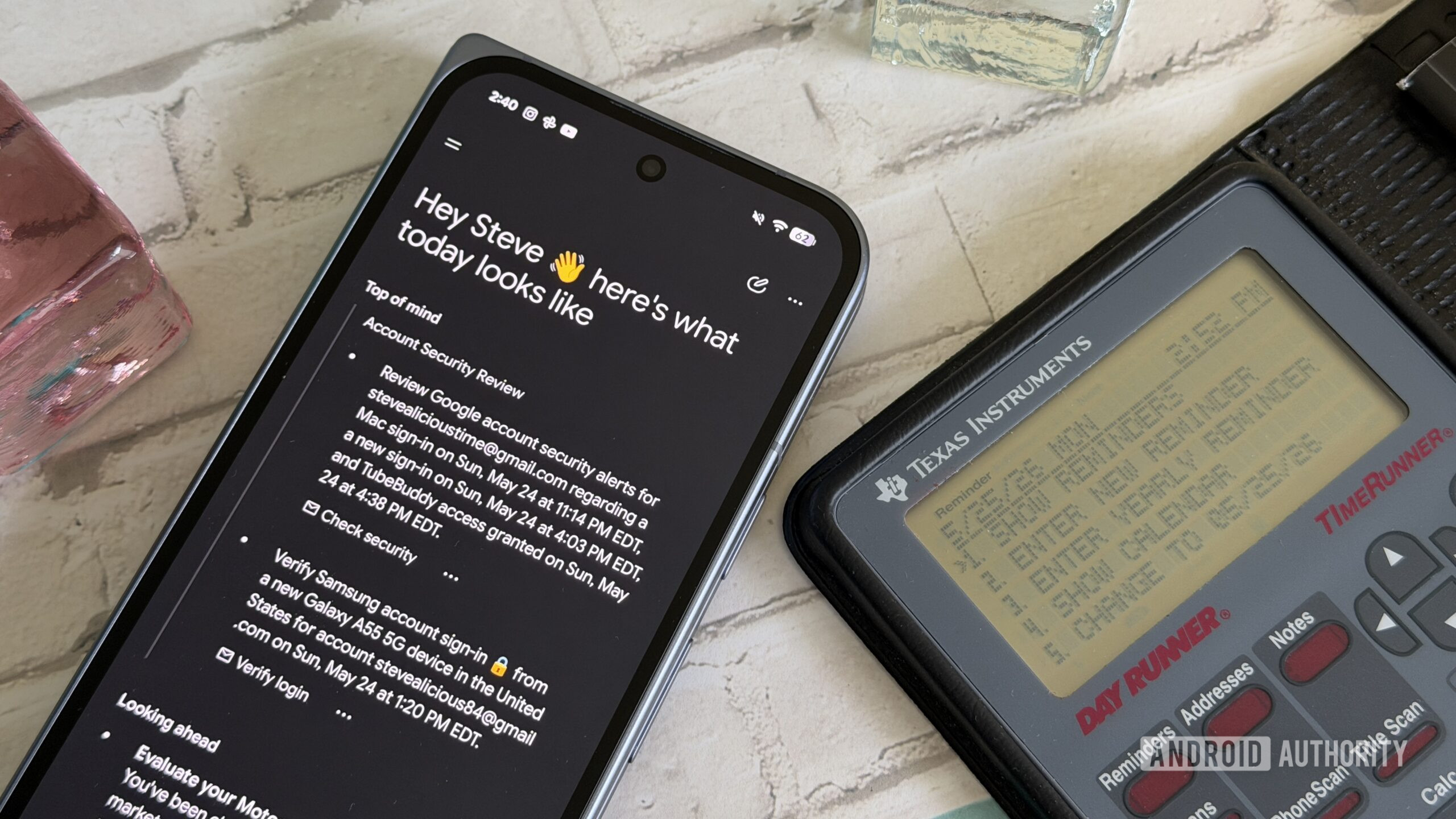
Google has been working on letting users customize their Gemini Daily Brief. Last week, we spotted the company testing an easier way for users to personalize their briefings. It seems Google is still refining the feature and making a couple of changes to how it looks and works.
You’re reading an Authority Insights story. Authority Insights brings you all the latest exclusive reports, app teardowns, leaks, and in-depth tech coverage from the Android Authority team that you won’t find anywhere else.
In the latest version of the Google app (v17.45.14.sa.arm64), we spotted changes to the Gemini Daily Brief customization options. Previously, Google seemed to be working on showing users a text box along with suggested changes for their briefings.
Now, that text box has been replaced with a new button that reads “Customize your brief.” Tapping this button will present users with a bunch of options, including the ability to prioritize a topic, follow topics, adjust the tone, and more. There will also be an option to “type something else.” Once an option is selected, the feature will let users further customize it before hitting the “Submit” button. At that point, the request will be sent to Gemini, ensuring the next Daily Brief is adjusted accordingly.
While this new button looks better than the text box Google was working on earlier, it currently doesn’t have a mic icon for voice input. This could be something Google adds before rolling out these changes.
This feature isn’t enabled right now, and it could be a while before it rolls out. However, Google is clearly actively working on it, and it’s possible it could come out sooner rather than later.
Thank you for being part of our community. Read our Comment Policy before posting.