Affiliate links on Android Authority may earn us a commission. Learn more.
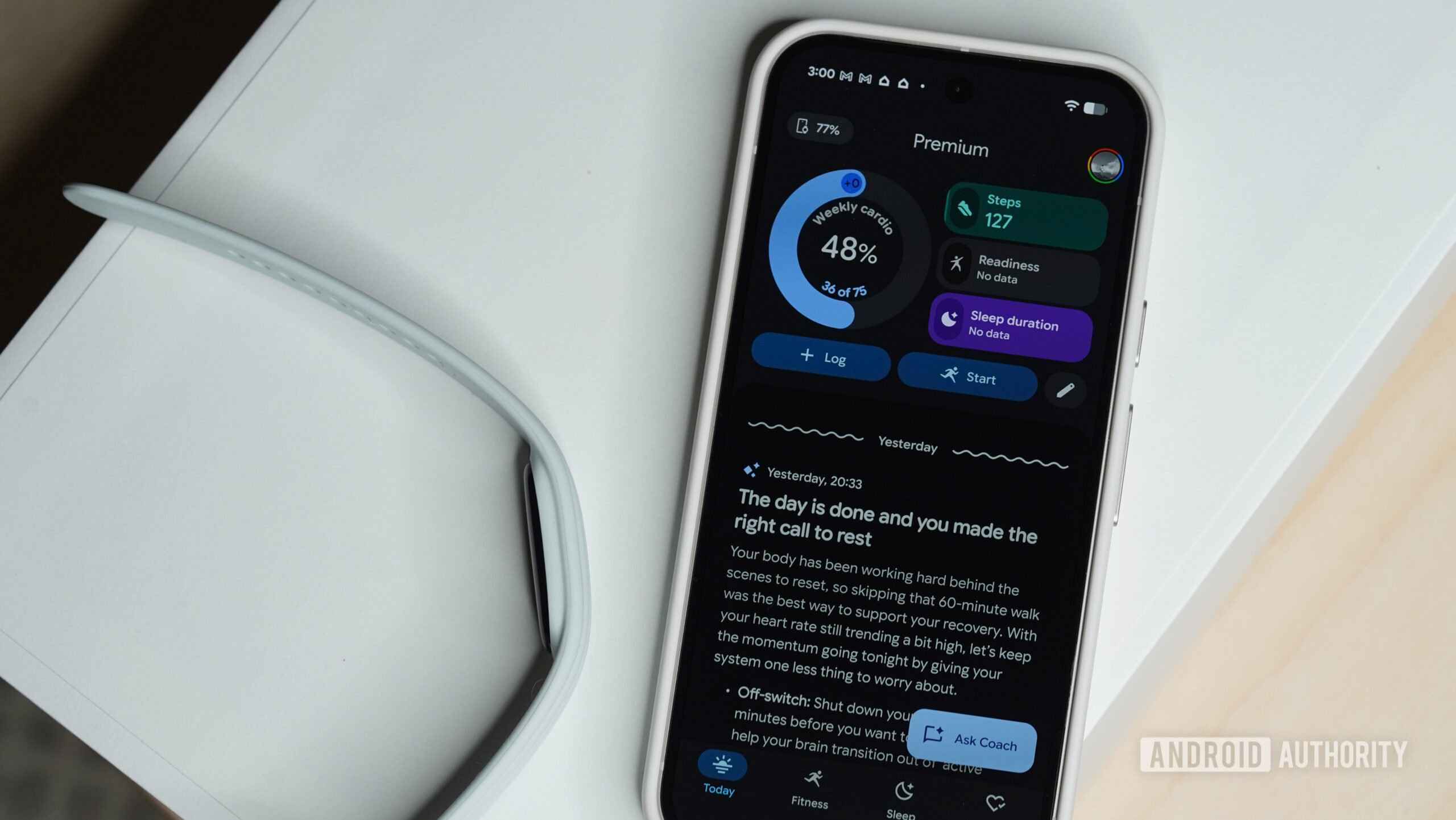
The Google Fitbit Air seems to be giving iOS users a tough time, with several users coming forward and sharing complaints about syncing and pairing issues. These aren’t isolated reports — several users, across Reddit and Google’s official support forum, shared their experience with similar Fitbit Air connectivity problems, suggesting that the issue is affecting more than a small subset of users.
Reports about the issue can be traced back to early October, with fresh complaints continuing into November. While the exact symptoms vary for different users, most of the complaints mainly revolve around the Fitbit Air being unable to sync data with iOS devices and persistent error messages.
One such detailed complaint comes from a user who purchased the Fitbit Air in August. The user wrote that the fitness tracker worked perfectly for roughly a month and a half before suddenly refusing to sync with Google Health. When attempting to sync data, the Google Health app reportedly gets stuck on the “Connecting your Fitbit Air to the app” page before throwing Error 16, as seen in the image below.
The user added that they tried uninstalling & re-installing the app, forgetting and re-pairing the device, charging it fully, and resetting it, but nothing seemed to have helped. They eventually reached out to Google support, and they reportedly said this was a known issue and that they were working on fixing it. The user hasn’t heard back since, and as a result, their Fitbit Air is collecting dust.
Several other complaints corroborated the error code and similar issues. One user even began encountering problems with pairing the tracker:
The user also reached out to Google and was told that this is a known software issue. A different user drew comparison to their experience on Android:
Note that some users indicate that resetting the device by long-pressing the button at the back of the charging dock for 10 seconds fixed the issue for them. However, others haven’t had the same luck, suggesting that resetting the device isn’t a guaranteed fix and that your mileage with it may vary.
We’ve reached out to Google to check whether it’s aware of the issue and if a fix is in the works. We’ll update this article if and when we hear back.