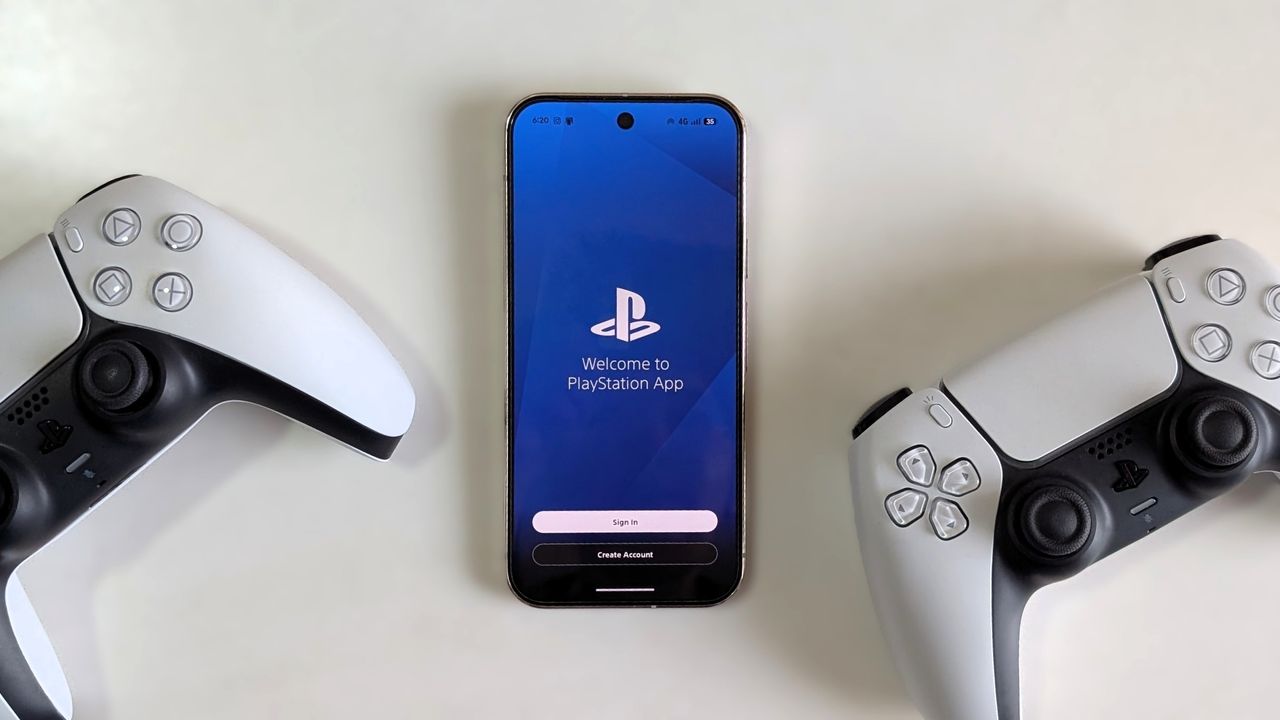
Sony has been doing all the wrong things of late, but I’m not here to rant about them canceling physical game discs today. I’m here to help you fix a very annoying, yet somehow super prevalent, problem. If you use the PlayStation app on your smartphone, you might have come across this issue.
I signed out of my secondary PlayStation account on my phone a few weeks ago and tried to log in to my primary PS profile, which has 2FA enabled for security. Unfortunately, I wasn’t receiving any two-factor authentication text messages from Sony. It was the start of the weekend, which meant I’d have to wait two days before Sony’s customer support came online.
So here’s what I did to fix it and finally log back into my account.
How to regain access to your PlayStation app when two factor authentication fails
Usually, the correct thing to do is to use your backup codes when 2FA fails. And trust me, Sony’s PlayStation app regularly fails to send a 2FA SMS. Just go to Reddit, and you’ll find countless accounts of this happening (here, here, and here). PlayStation account users have even been prevented from logging in to their PS4s and PS5s because of this problem.
Anyway, I kept my backup codes in such a safe place that even I couldn’t find them. So here’s what I did.
1. Open the PlayStation app and tap Sign In.
2. Enter your email address and tap Next.
3. Instead of entering your password, select the Trouble Signing In? option.
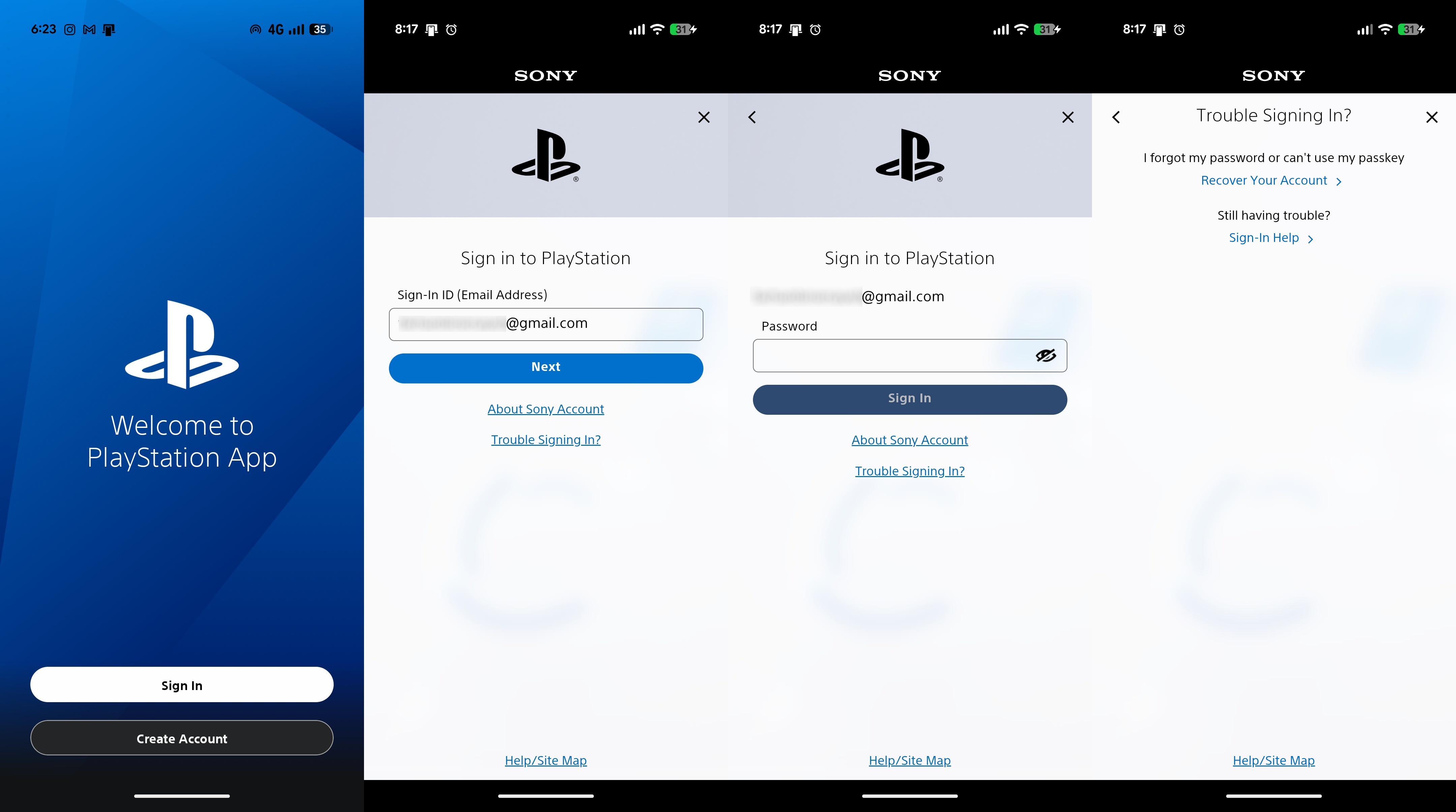
4. You’ll have to reset your password now by selecting the Recover Your Account > option.
5. You will be redirected to the account recovery portal. Enter your email address there and tap Send Link.
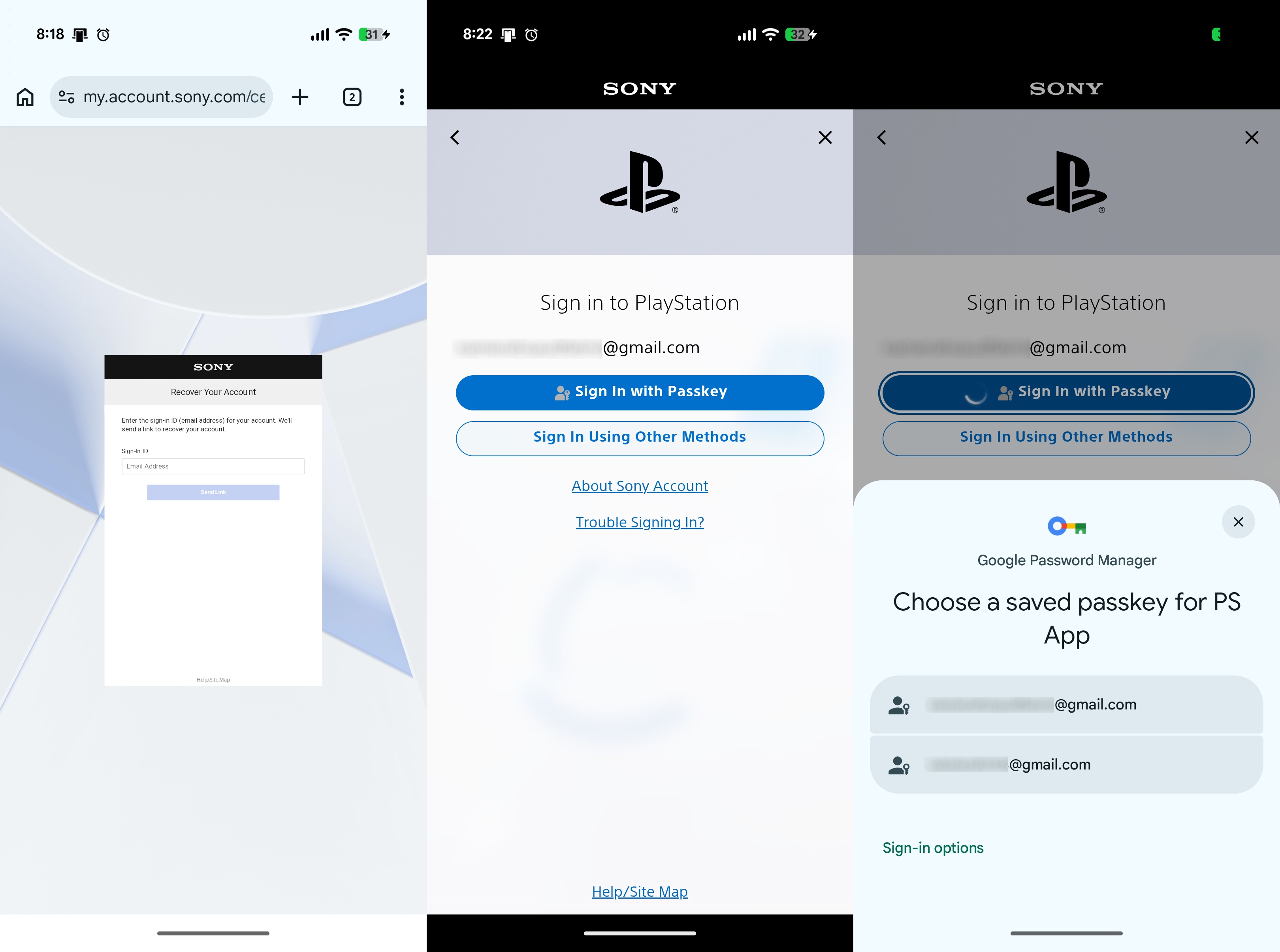
6. Once the password recovery email arrives, choose to set up a passkey instead of a password. This automatically disables two-factor authentication.
7. Once your passkey is set up, sign in to the PlayStation app using your passkey instead.
The PlayStation app can be your savior when you’re locked out of your PSN account
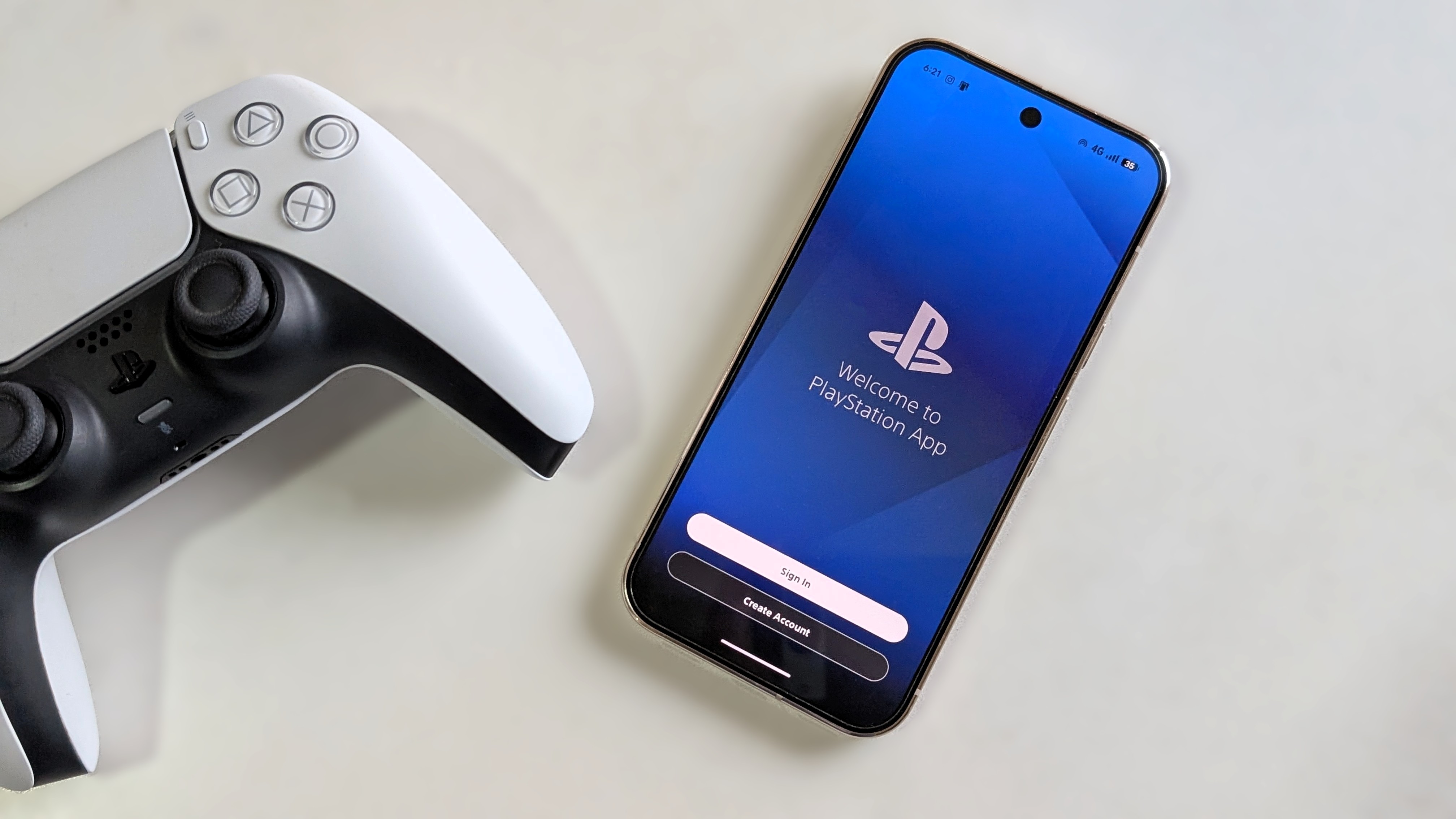
Previously, PlayStation Network (PSN) users could use 2FA on their PlayStation 5 or PlayStation 4 if they weren’t sent a verification code via SMS. But that option is no longer available. So if you can’t get your two-factor authentication code via text, you need to rely on your backup codes.
Thankfully, even if you’ve misplaced your backup codes, this hack lets you reset everything without relying on 2FA. Once a passkey is set up, it is tied to your password manager. So just make sure you don’t get locked out of that!