Affiliate links on Android Authority may earn us a commission. Learn more.
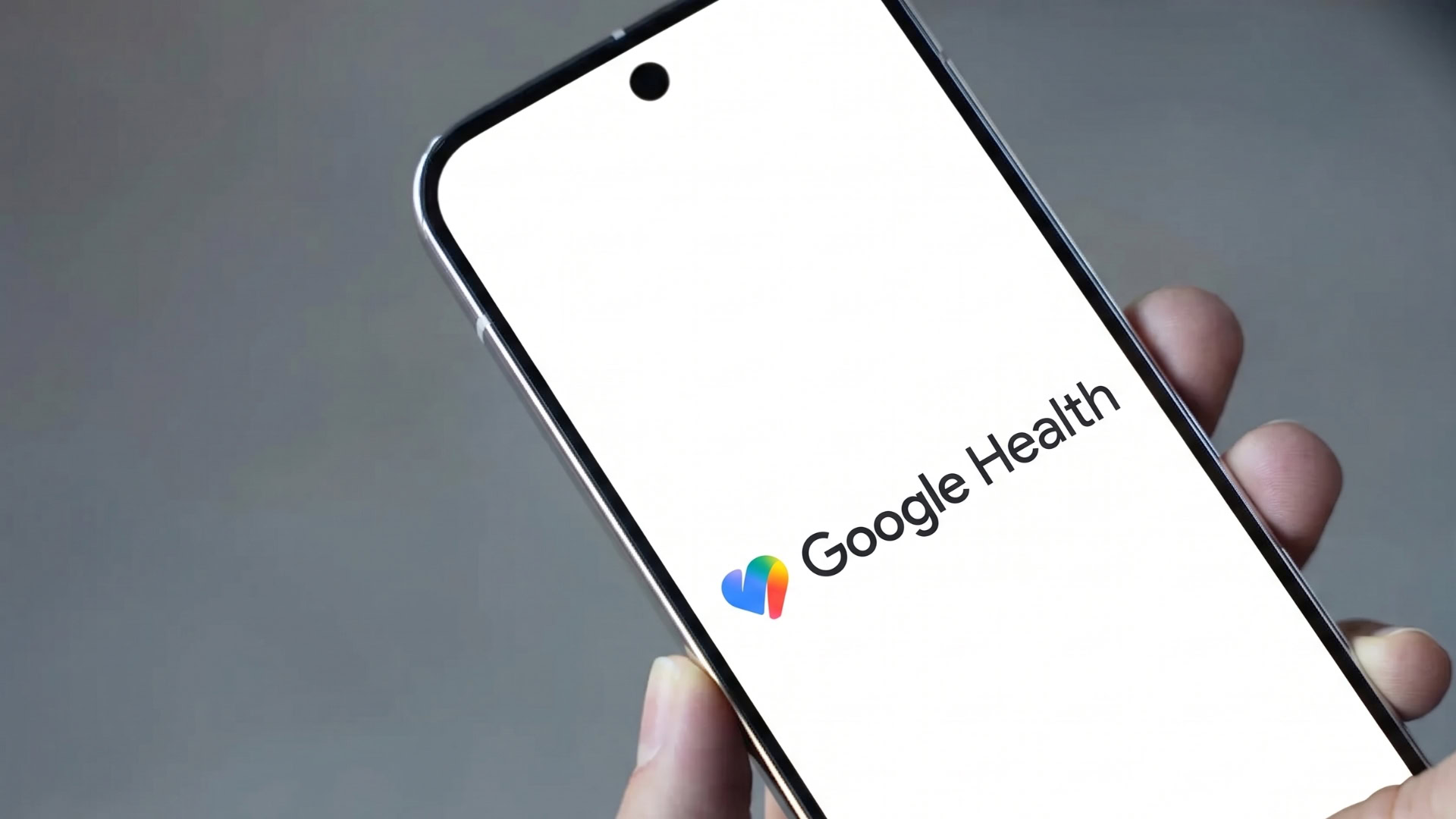
It’s been less than a fortnight since the Google Health app received its last major update, and Google is already rolling out the next one — the tech giant just began rolling out Google Health version 5.13, and the update brings several quality-of-life changes to workout tracking, nutrition updates, health profiles, and more.
Google detailed the changes the update brings in a community post, confirming that version 5.13 is rolling out to Android and iOS users now and will be widely available over the next week.
The update introduces a new exercise-in-progress card on the Google Health app’s Today screen, which automatically tracks your exercises. The card will let you know when your wearable is actively recording an exercise, all while letting you manually end the tracking and get a workout summary. Alongside the card, the app now also offers more controls for swimmers. You now have the option to set a default pool length and toggle unit preferences (meters or yards). To do so, head to your profile section in the app > Google Health settings > Activity preferences.
Elsewhere, to help you during workouts, your Pixel wearable will now be able to give you live step-by-step guidance for each exercise in your workout. Note that the functionality is limited to the Pixel Watch 3, 4, and 5. Google says that it has also improved the app’s food search functionality for logging meals. Although it didn’t detail the exact changes, the company did say that users should now be able to find food items more easily.
There are also changes to how you set up a new Google Health profile. When onboarding, users will now be offered ‘Prefer not to say’ or ‘An option not listed’ when selecting their gender. Considering that health metrics differ by gender, the app will ask you whether you’d like your metrics to be calculated based on studies of cisgender men or studies of cisgender women.
You’ll also have the option to select a gender later on by heading to Personal info > Profile > Sex settings.
The update’s changelog also includes a reminder about an upcoming change for select Fitbit wearables. Starting November 28, users will no longer be able to install or update third-party apps and clock faces on the Fitbit Sense, Fitbit Sense 2, Fitbit Versa 4, Fitbit Versa 3, Fitbit Versa 2, Fitbit Versa Lite, and Fitbit Versa. Note that third-party apps and clock faces that you’ve already installed will continue working on your wearables, but if you delete them, you won’t be able to reinstall them. Learn more about the development in the embedded article above.
Lastly, if you’re an iOS user and have been experiencing issues with Google Health syncing data to Apple Health, there’s good news. The update addresses the bug, and syncing should now work as intended. Sign out of Google Health and sign back in if you’re still noticing gaps in your historical Apple Health data.