iOS 27 gave AirPods Pro a variety of new features, but there’s another addition that’s easy to miss: a convenient new setting in Control Center for Adaptive Audio.
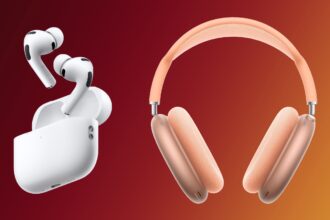
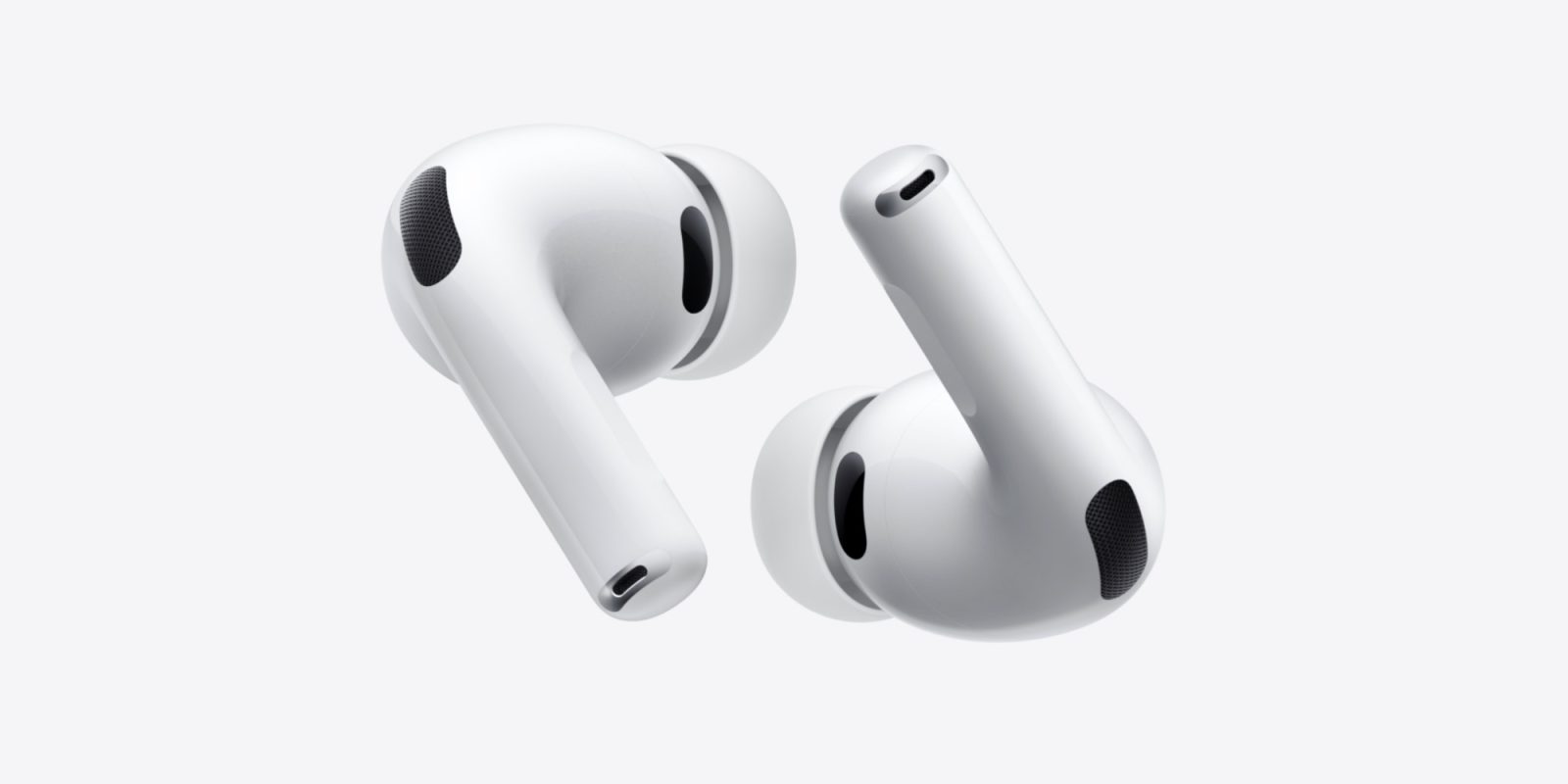
Several AirPods models offer excellent Active Noise Cancellation and Transparency modes—especially AirPods Pro 3 (now only $179).
But Adaptive Audio is another option you may or may not have tried. The feature aims to blend the strengths of both ANC and Transparency in a single mode.
And in iOS 27, Apple added a new setting to let you conveniently fine-tune Adaptive Audio to your preferences.
While wearing AirPods, open Control Center on your iPhone and tap the volume slider, then hit ‘Listening Mode’ in the bottom-left corner. Here you’ll see the standard listening mode options.
New in iOS 27 though, when ‘Adaptive’ is selected, you can now use a Liquid Glass slider to adjust whether the mode lets in more or less external noise.
Slide it to the left and Adaptive Audio will more closely resemble Transparency, while sliding it to the right makes it cancel out more noise.
You can also move the new slider incrementally to achieve exactly your ideal balance of Transparency and Noise Cancellation. It’s not limited to just a few preset options.
This Control Center slider is available on all AirPods models that support Adaptive Audio.
Do you ever use Adaptive Audio, and if so, have you adjusted it at all? Let us know in the comments.
FTC: We use income earning auto affiliate links. More.
Check out 9to5Mac on YouTube for more Apple news:
AirPods offers a cord-free wireless audio experi…
Ryan got his start in journalism as an Editor at MacStories, where he worked for four years covering Apple news, writing app reviews, and more. For two years he co-hosted the Adapt podcast on Relay FM, which focused entirely on the iPad. As a result, it should come as no surprise that his favorite Apple device is the iPad Pro.