
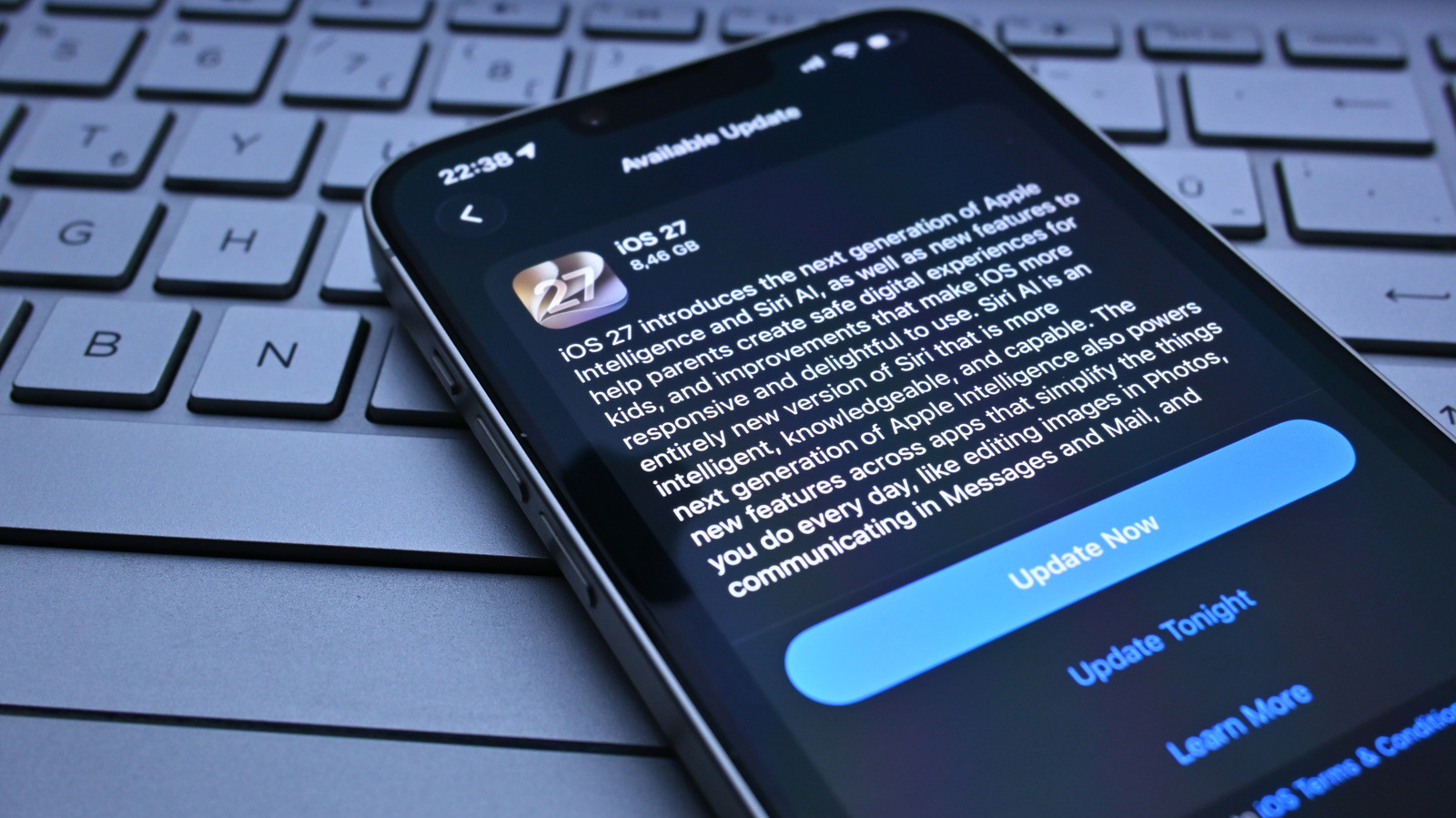
Understanding the side effects of installing updates on your phone and how to deal with them.
You may have noticed that, after installing a software update on your phone, it started behaving unexpectedly. Animations may seem sluggish, the device gets slightly warm and the battery drains faster. Since software updates usually bring many improvements, it seems ironic to have these negative side effects — and they can happen on both the iPhone and Android phones.
The good news is that these issues are usually temporary; here's what's happening and what you can do about it.
When you install an iOS or Android update, the system runs a lot of background processes to get everything in order. On the iPhone, Apple says that Spotlight reindexes all your data after an update. Depending on how much data you have, this can take hours or even days. Android also takes time to reindex everything — it's an important process that lets your phone know everything is in place and nothing was lost during the update.
This indexing process causes spikes in CPU and GPU usage on your phone, meaning there are fewer hardware resources available to handle your apps and system animations. Once the indexing is complete, your phone should go back to normal. Older phones may be more affected by updates and all these processes running in the background. Newer devices have more powerful and efficient chips, so you might not notice a huge difference after installing an update.
This brings us to a second reason for these side effects after an update: major software updates are generally built around the latest hardware. Even with all the optimization, older hardware may not be powerful enough to handle the new apps, features and more complex animations added with a new version of iOS or Android. This can also slow down your phone after installing an update.
Unfortunately, in that case, there isn't much you can do. That doesn't mean every update will break your phone, but it can happen with some major updates — you might remember how poorly iOS 7 used to run on the iPhone 4, for example. When your phone needs to dedicate more of its resources to running the OS, performance elsewhere may have to give.
The best strategy is to wait and see if everything goes back to normal. Keeping your phone connected to a charger and Wi-Fi after an update helps the process finish faster, as Apple says that part of the indexing process only completes when the iPhone is plugged in and not in use. The same applies to Android phones — Sony says that the indexing process after an update usually takes no more than two days.
If your phone is still running slowly after a while, rebooting might fix it. Then, make sure your apps are updated — older versions may not be optimized to run on the latest software, so go to the App Store or Google Play and update everything that has a pending download. Freeing up storage space helps, too. One of the most common reasons why phones run slowly is because they don't have enough free space to handle basic system tasks.
Also, try checking your phone's battery health in its settings. Some smartphones slow down the processor speed to prevent unexpected shutdowns when the battery is in poor condition. In that case, replacing the battery can breathe new life into your phone. As a last resort, you can try a factory reset — or even downgrade the software, though this is more complicated and not all phones let you do it.
If it's still slow after that, the hardware may simply be struggling with the software, and the update itself is the cause. You could try contacting the company for advice in case this is a known issue, but chances are your device is near the end of its life if this is happening.