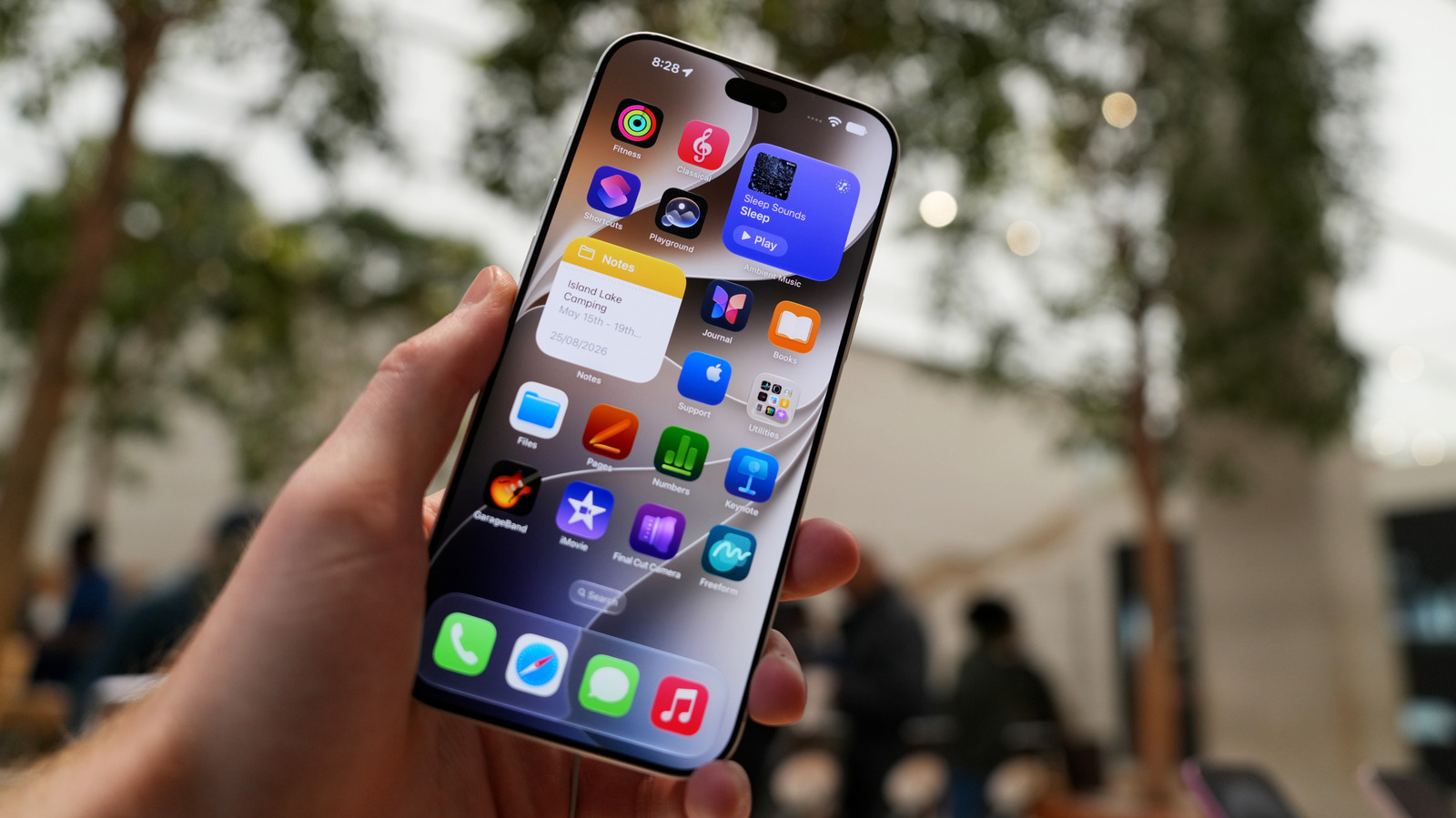
Any recent smartphone, be it an Android device or an iPhone, is chock-full of sensors. It wasn't always this way, but after the original 2007 iPhone, many sensor-reliant features quickly became standard. And of course, phone makers are constantly trying to one-up each other, sometimes in ridiculous ways. For a few years, some Google Pixel phones offered external temperature readers — no matter that even if the technology were bulletproof, a phone would still be an unreliable way to check for fever, never mind whether your chicken is done.
Particularly important are proximity sensors. These are actually a category rather than a specific kind of sensor, but they're so critical that the phone you're using has several of them. Arguably, smartphones would be impossible without them.
Here we're going to cover what constitutes a proximity sensor and how your phone uses this data. Some good news is that the data is rarely of interest to anyone but yourself. With, perhaps, a couple of major exceptions.
The most basic proximity sensor in your phone is the one used to shut off the screen whenever you raise it to your ear. This relies on infrared and/or capacitive technology. It not only prevents accidental touch commands, but also extends battery life, since the display will always be one of your phone's most power-hungry components. It's pointless for it to outshine the sun while you're on a 40-minute tech support call.
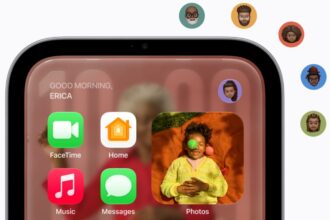
Some phones rely on advanced infrared sensors to detect when you are nearby. The best example of this is Apple's Face ID, which projects a series of dots to create a facial depth map and compares that against one you saved during calibration. The main purpose of this is replacing passcode and password logins. In some cases, however, facial recognition is "attention-aware" — meaning that whether or not you're looking will determine things like screen brightness, alert volume or whether sensitive content is shown. Given the potential for abuse, companies go to extreme lengths to prevent facial recognition data from leaving your phone, including heavily encrypted authentication chips.
Another sensor connected to valuable info is your phone's NFC (near-field communication) chip. This detects a similarly equipped device and transmits data over an extremely short distance, generally just an inch or two. But because this enables things like retail payments, digital keys, device pairing and direct file transfers, it's crucial that only vetted apps have access.
Most touchscreens can be considered proximity sensors, actually. While pressure-sensitive screens exist, anyone who's used them can vouch for how cumbersome they are. Capacitive screens instead react to the electricity in your body, so even the slightest gesture will register. This is the source of a lot of accidental commands, as it's remarkably easy to bring your fingers close enough for the screen to register a touch without physically tapping.
At times, even your phone's Bluetooth module enters the game. Using Bluetooth Low Energy (BLE), a phone can automatically detect and talk to some nearby devices, such as item trackers or "beacons" installed for things like advertising. There are more benign excuses for beacons, luckily. When entering a sports arena, a beacon might prompt your phone to display your season pass on the lock screen, saving you a few seconds.
If you want to stretch the definition of proximity, some phones use LiDAR sensors to map nearby rooms and objects or increase the camera's focusing speed in dim conditions by bouncing infrared light off of subjects. That second purpose is the main one, since, of course, a camera system has a hard time discerning objects when there's barely any contrast to work with.
Sort of. It's dead simple to disable things like Bluetooth or facial recognition, and Android phones should have an NFC toggle (look for options similar to Settings > Connections > NFC) if they support the technology. But you probably can't disable LiDAR or a screen's automatic shutoff sensor, at least without invoking a special developer mode that's intended only for the most tech-savvy users. iPhones are missing even that NFC toggle — the most you can do is disable features that exploit NFC, such as Bringing Devices Together under Settings > General > AirDrop.
As we've hinted, however, there's usually plenty to lose and little to gain by disabling proximity tech. A phone with Bluetooth and NFC off is potentially more secure, but hackers have to resort to extreme measures to exploit those systems. They're not directly reachable from the internet, and there's not much that can be triggered automatically in person. Facial recognition typically makes your phone more secure rather than less. It enhances your privacy in public and slows down thieves in the event that your phone is stolen. Infrared-based recognition is surprisingly difficult to fool, so they'll have to resort to brute-forcing your passcode.
Ultimately, it's just good to be aware of the sensors your phone is equipped with. That gives you a more realistic picture of its strengths and vulnerabilities. It's not magic, regardless of how Steve Jobs once pitched things. Humans engineered and tested all of this to maximize your convenience.