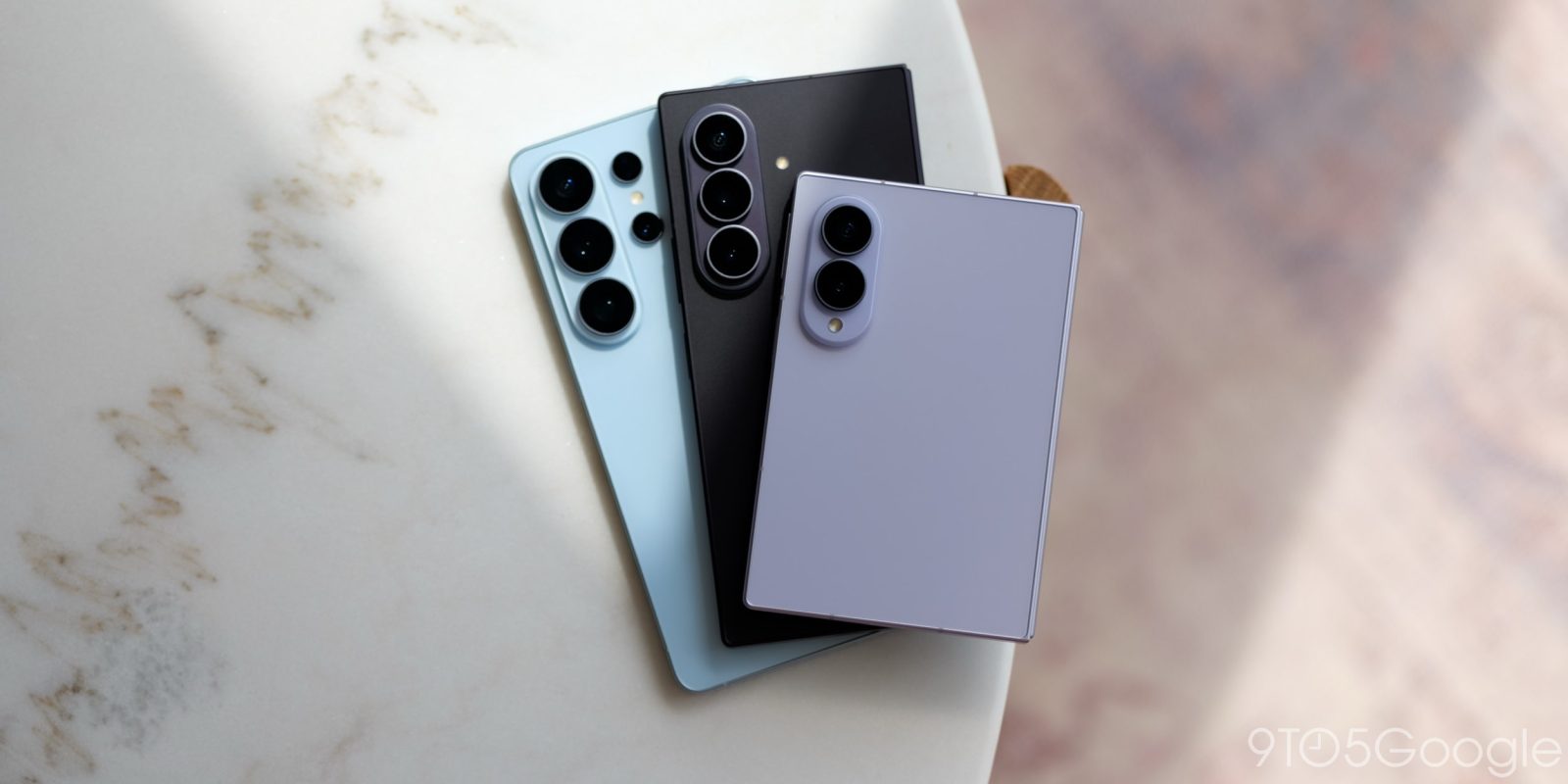
New updates are starting to roll out that will let Samsung Gallery replace its OneDrive integration with Google Photos support.
Earlier this year, Samsung Gallery removed integration with OneDrive and, in turn, also removed native cloud backup for Galaxy users. Users could, of course, use apps from Microsoft, Google, Amazon, or any other number of providers, but there was nothing built into Samsung’s own Gallery app anymore.
In an update to the “Gallery Cloud Sync” app on Samsung devices, the company says:
Gallery Cloud Sync is a service that safely backs up your precious memories to Google Cloud, allowing you to enjoy them seamlessly on all your devices at any time. View photos taken on your smartphone right away on your tablet.
The mention of “Google Cloud” here is a bit misleading, as Samsung Gallery is adopting direct Google Photos integration, as shown by an early preview of this functionality by @WigettaGaming and SammyGuru writer “That Josh Guy” on Twitter/X. It’s not live just yet – at least in our testing – but Samsung Gallery will offer support for “Sync with Google,” including the ability to see available storage via the Gallery app, choosing which albums to sync, and what data conditions must be met to sync.
Samsung requires the “Gallery Cloud Sync” app and “Samsung Cloud” to both be updated, but it seems a Gallery app update or perhaps even a full system update will be required to get this working fully.
Google Photos integration like this has existed for a few years now, previously being added to the OnePlus Gallery app in 2024 and on devices from Xiaomi and select other brands. Google’s support page on the topic does not yet mention Samsung.
Samsung Gallery will still let existing OneDrive users sync their photos through September 30, but it’s great to see a replacement lined up.
Follow Ben: Twitter/X, Threads, Bluesky, and Instagram
FTC: We use income earning auto affiliate links. More.
Check out 9to5Google on YouTube for more news:
Samsung is a technology conglomerate based out o…
Find him on Twitter @NexusBen. Send tips to schoon@9to5g.com or encrypted to benschoon@protonmail.com.