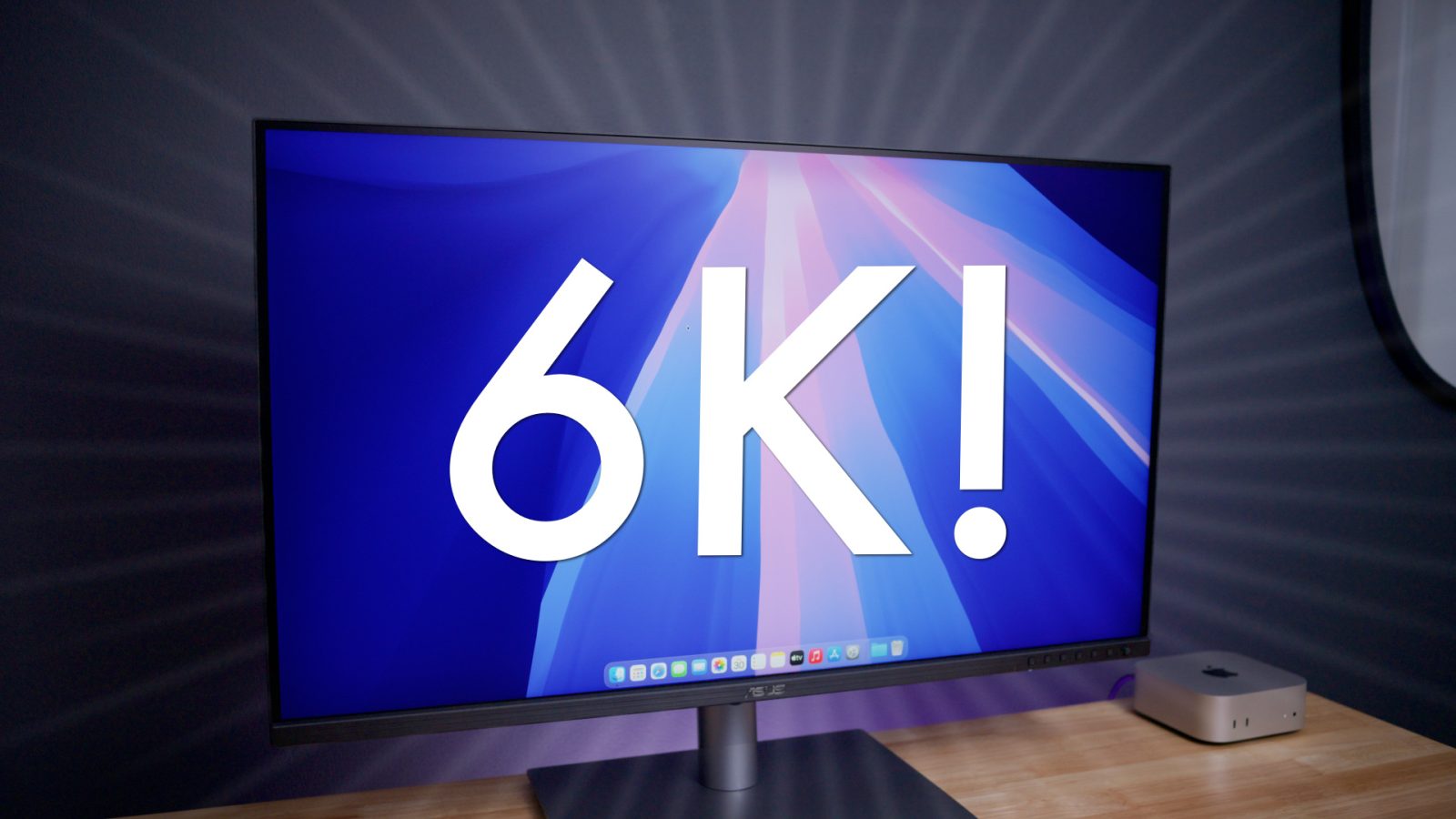
If you’ve just purchased a new Mac, like the recently released Mac mini or Mac Studio, you might be in the market for a new external display as well.
Here are my recommendations, covering multiple product categories, price points, and more.
You can’t have a roundup of the best displays on the market without mentioning Apple’s Studio Display. While it’s on the pricier side, it features a beautiful Apple design with a 27-inch 5K display.
The Studio Display is available in multiple configurations at various prices, which I’ve highlighted below. If you’re looking for an iMac-like experience with your Mac, there’s no better option than the Apple Studio Display.
Standard Glass with tilt- and height-adjustable stand
Nano-texture glass with tilt-adjustable stand
Nano-texture glass with tilt- and height-adjustable stand
The Studio Display XDR was introduced earlier this year with several major advantages over the normal Studio Display, including mini-LED display technolgoy and a 120Hz refresh rate.
Those benefits, of course, come at an even higher price than the normal Studio Display.
Standard Glass with tilt- and height-adjustable stand
Nano-texture glass with tilt- and height-adjustable stand
The 32-inch Samsung M9 Smart Monitor is a compelling option for Mac users thanks to its 4K OLED panel. My 9to5Toys colleague Justin Kahn made the switch to it, and he says “has been a joy to pair up with my Mac mini over the last couple months.”
While it doesn’t offer the crisp 5K or 6K resolution of some options on this list, you’ll enjoy the benefits of OLED, including deeper blacks and better color reproduction and contrast.
The LG UltraFine 6K is the evolution of LG’s high-end efforts in the display business. It offers a 32-inch panel with a resolution of 6144 x 3456 pixels. It has a bevy of ports. Here are the important specs:
My colleague Jeff Benjamin went hands-on with this one, and it caught my attention right away. The Asus ProArt (PA27JCV) Display 5K yields the same 5K resolution (5120×2880) in a similar 27-inch form factor to the Studio Display, but at half the price.
Watch Jeff’s full review above for all the details. If you’re in the market for a 5K display for your Mac, it’s hard to beat the Asus ProArt.
Here’s where to buy the Asus ProArt Display 5K:
If you’re looking for something bigger and higher-resolution, Asus also has you covered. The new Asus ProArt Display 6K (PA32QCV) is a 32-inch display with a native resolution of 6016 x 3384. Jeff called it a “ridiculously good value” in his review.
Perhaps the best thing about the ASUS ProArt 6K Display is its price. It is substantially cheaper than some of the most popular 4K and 5K displays on the market.
Here’s where to buy the ASUS ProArt 6K display:
Samsung’s ViewFinity S8 5K is another compelling option to pair with your new Mac that offers 5K resolution.
Here’s where to buy the Samsung ViewFinity S8 5K:
This might be my favorite option on this list at the moment. The BenQ PD2730S 27″ 5K Monitor packs a wide array of Mac-friendly features, headlined of course by the crisp 5K resolution.
Here’s where to buy the BenQ PD2730S 27″ 5K Monitor:
Read more in our full review: BenQ’s 27-inch 5K Thunderbolt 4 Designer Monitor is a proper Apple Studio Display competitor
This is one of the most compelling options if you’re looking for a 32-inch display for your new Mac for under $1000. The big downside to this one, however, is that you’re “only” getting 4K resolution instead of 5K resolution. However, it features an abundance of ports options and a sub $1,000 price point for a 32-inch panel.
Here’s where to buy the BenQ 32-inch 4K PD3225U Thunderbolt Monitor:
Read more in our full review: Should a 32-inch 4K Mac display really be a non-starter?