As the Pixel 11 series gets Rambler and Google’s new 3D emoji, Gboard is rolling out a new “Emoji size” setting to beta users.
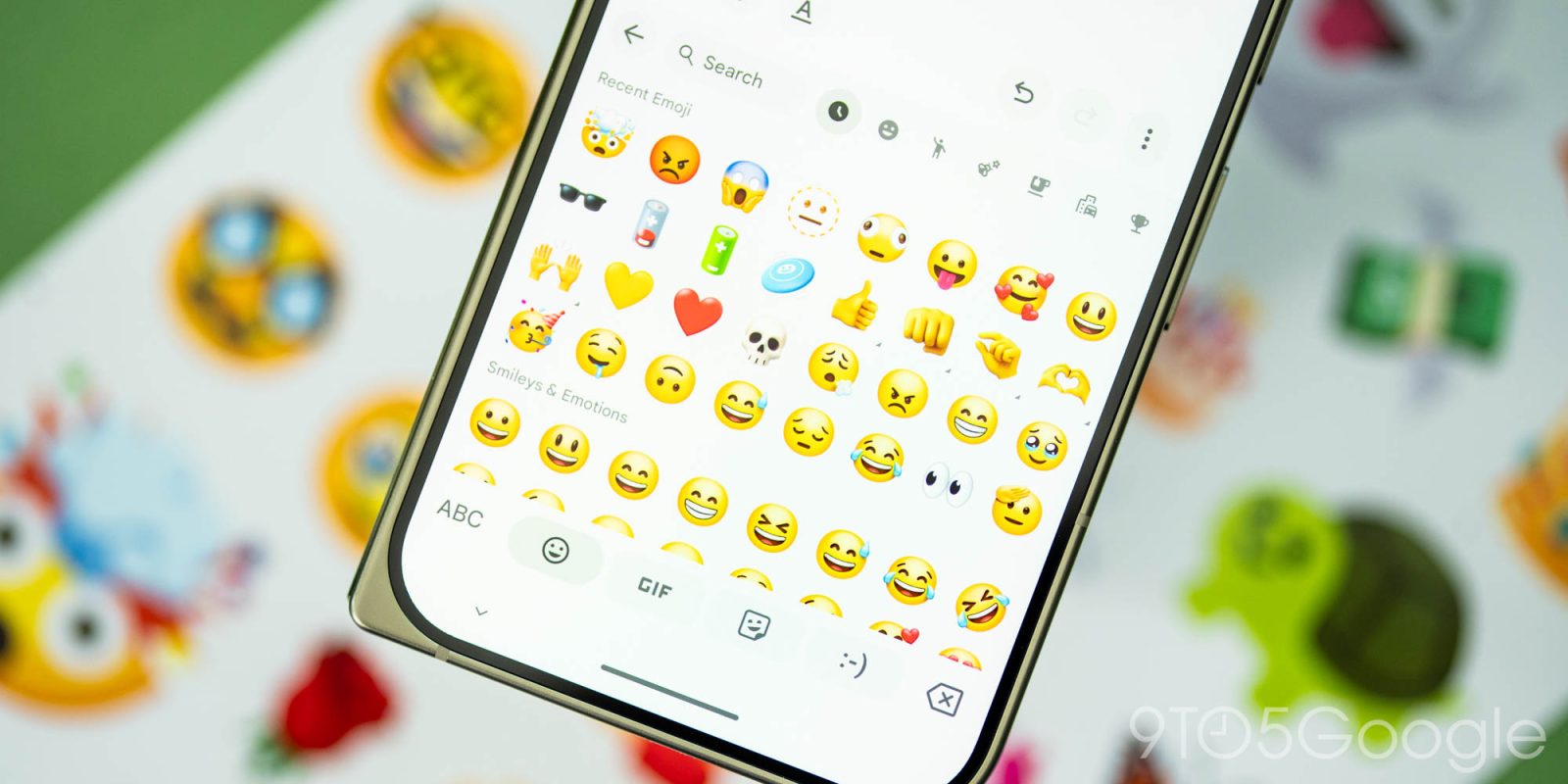
Going to Settings > Preferences > Appearance reveals the new slider located underneath Font size. This lets you “Set the size and number of emoji shown in a row,” with Gboard offering a preview just above the control.
The default we’re seeing is 9, with 5 at the opposite end. On a Pixel 10 Pro, the increments are 9, 8, 8+, 7, 7+, 6, and 5. The ‘plus’ options in the middle make the emoji slightly bigger while preserving the density.
Go to the Emoji page to really test out these changes, with this setting not applying to the Emoji Kitchen row at the top.
This change helps you appreciate the detail in Google’s updated design.
We’re seeing Emoji size with beta version 18.0.3.x of Gboard.
FTC: We use income earning auto affiliate links. More.
Check out 9to5Google on YouTube for more news:
Editor-in-chief. Interested in the minutiae of Google and Alphabet. Tips/talk: abner@9to5g.com